
Tech Practice
Tech Practice turns your Tech Library into focused reps for the selected character. You will find it under Tech Library in the sidebar.
Pick what to practise on one screen, then work through each entry rep by rep.
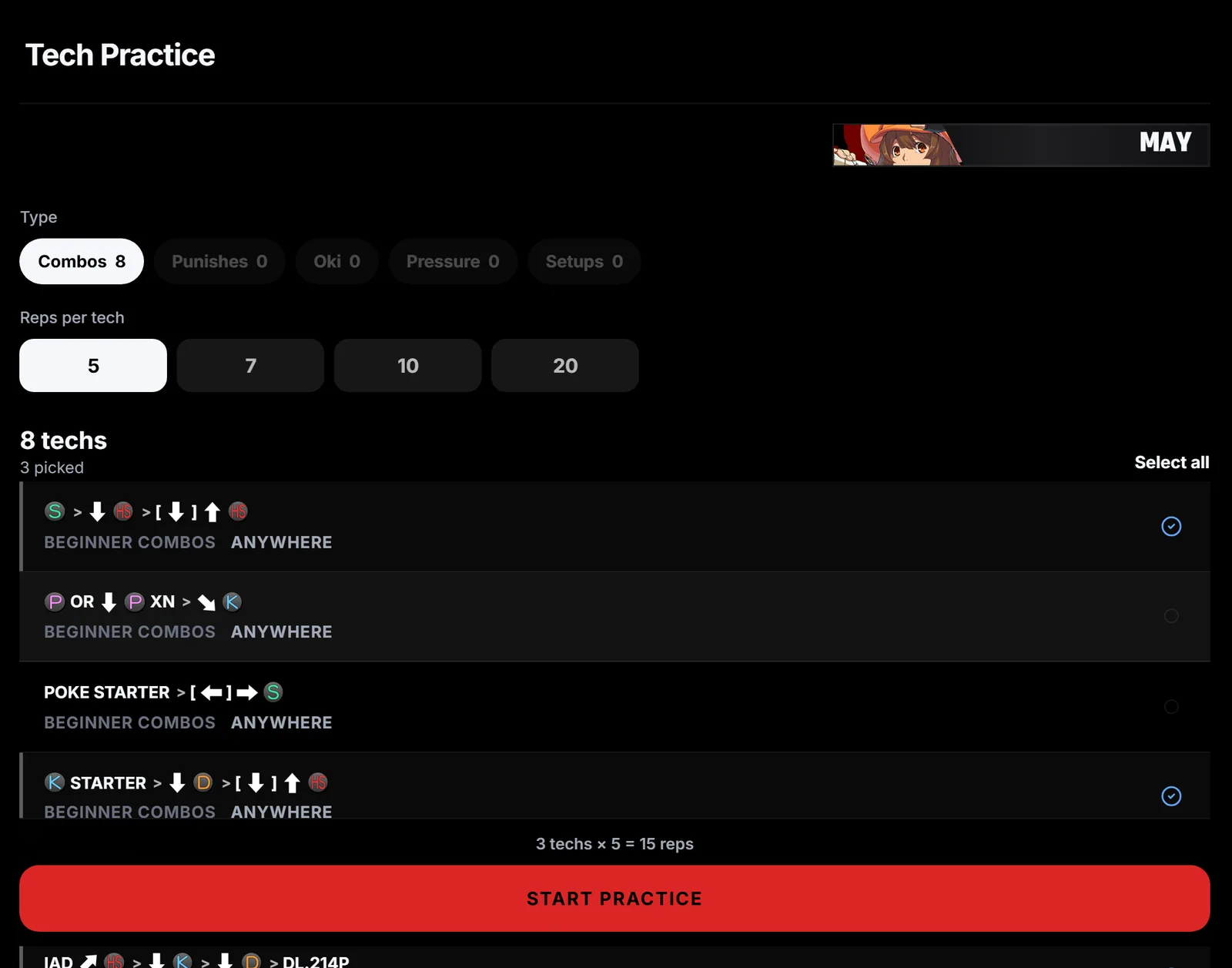
Set up the session
Choose a type such as Combos or Punishes, then the number of reps per tech. Pick the entries you want, or pick none to practise the whole list. The bar at the bottom shows the total reps. Select Start practice.
Work through the reps
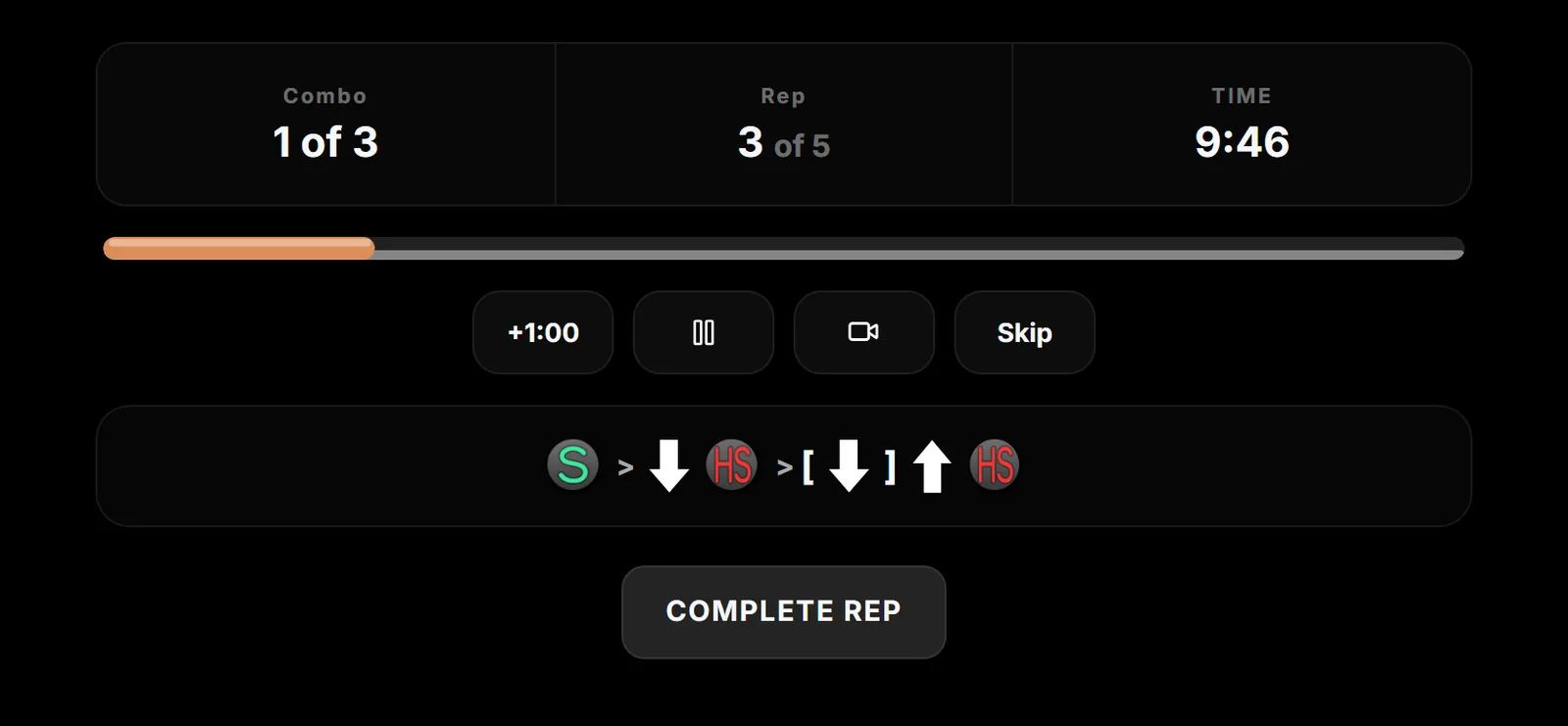
Each entry shows its inputs and a timer. Select Complete rep after each clean attempt, then Next entry when it is done. Use +1:00, pause, the video button or Skip when you need them.
Finish the session
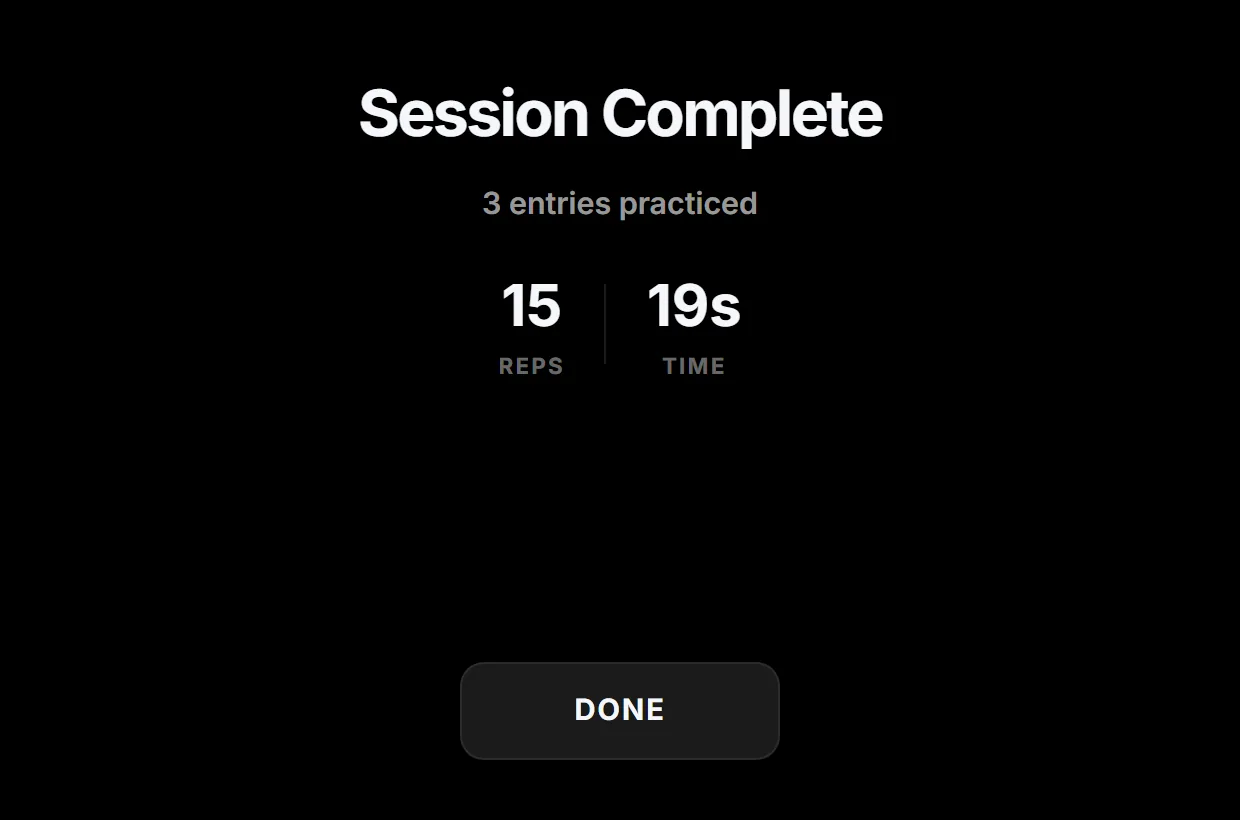
Session Complete shows how many entries you practised, your total reps and the time. Select Done to finish.
Keep each session small. Three to five related entries at 5 or 10 reps is plenty. When they feel automatic, go back to your Tech Library and pick the next group.