
Frame data & tools
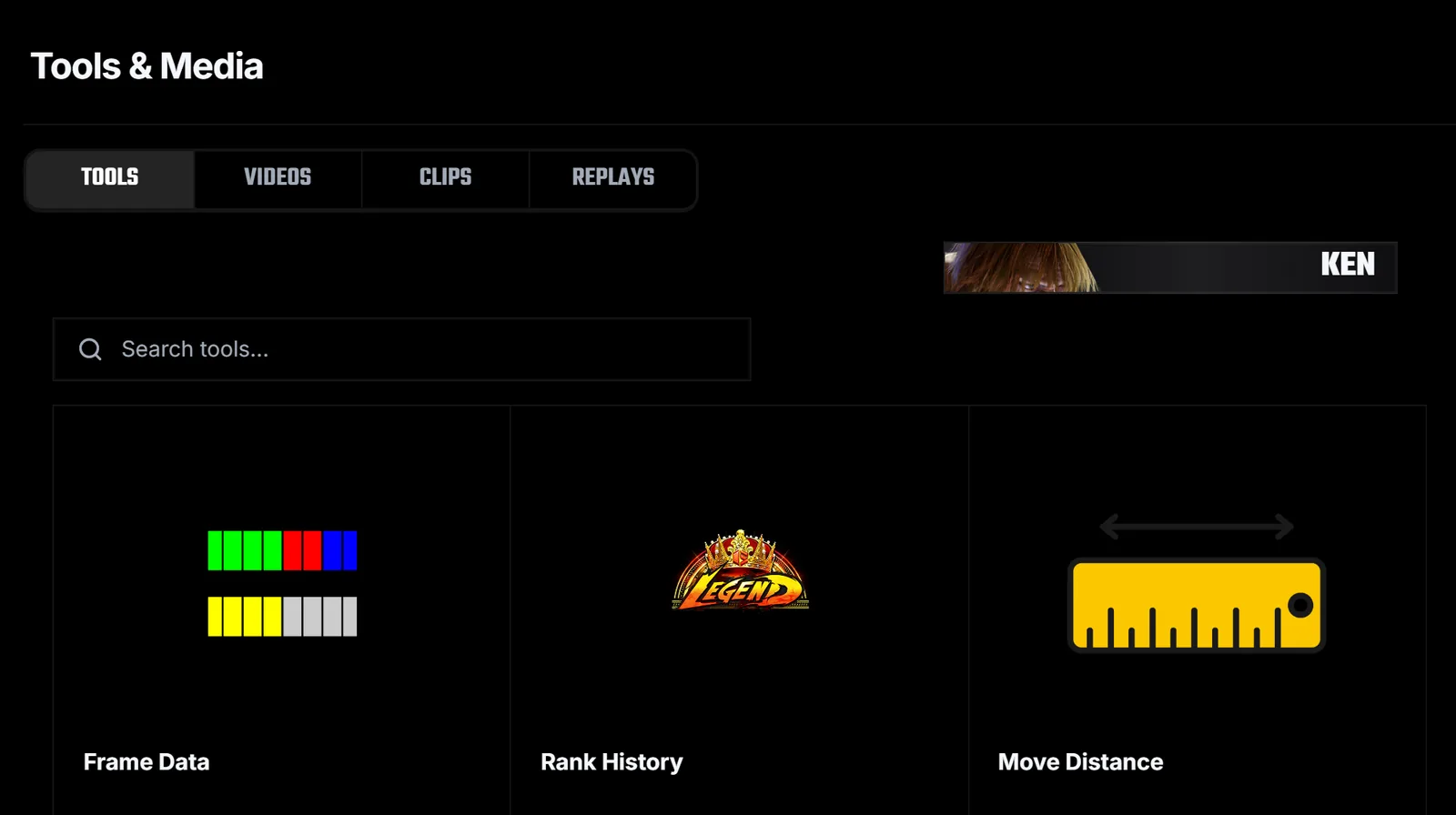
The Tools tab in Tools & Media holds the reference tools for your game, such as Frame Data, Plus on Block Moves, Move Distance, Rank History and Patch Notes.
Frame Data shows startup, recovery and advantage for every move, with full details a click away.
Open a tool
Open Tools & Media and stay on Tools. The tools listed depend on the game, and you can search them with Search tools.
Read the table
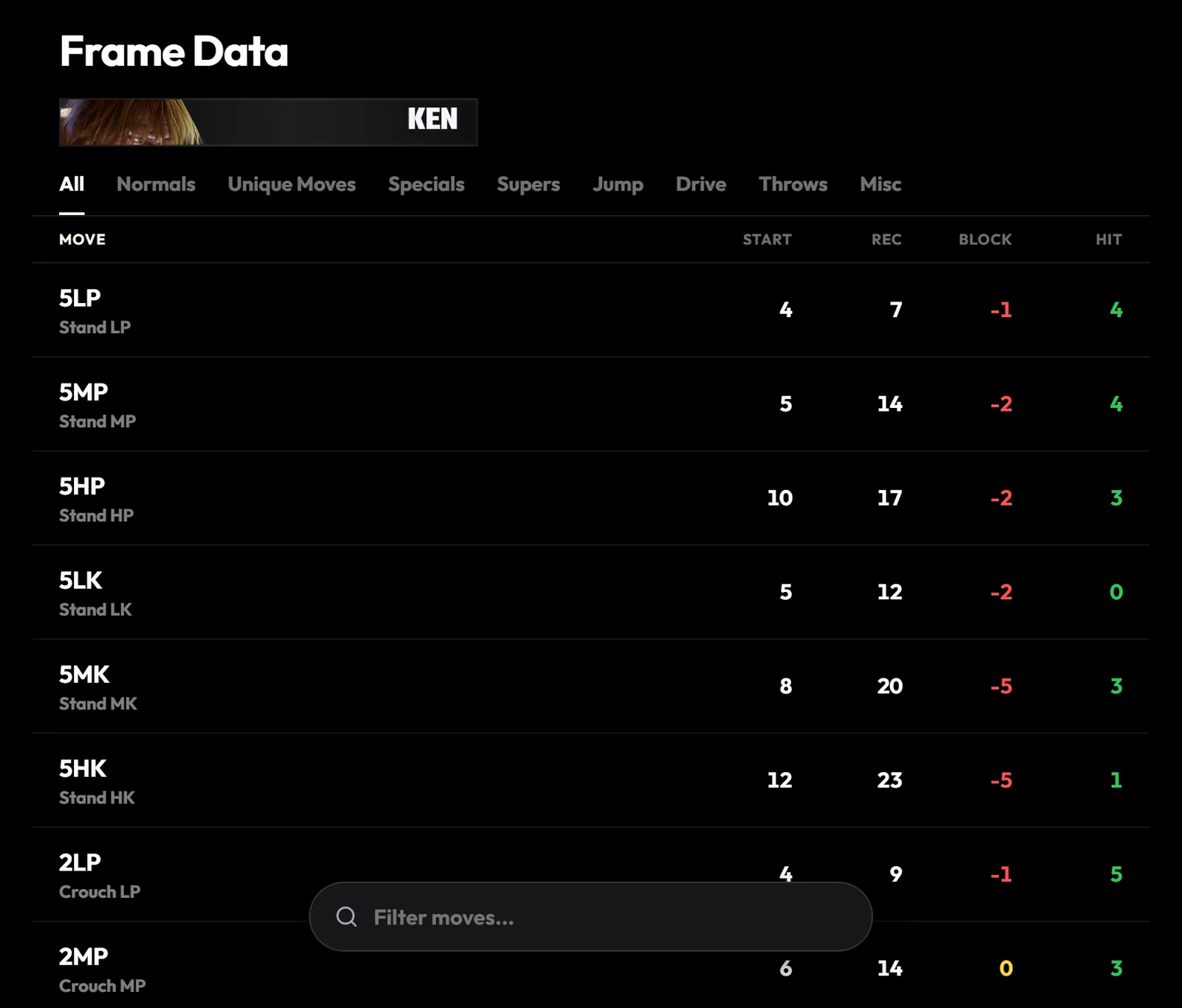
Pick a category such as Normals or Specials. Block and hit advantage are green when plus, red when minus and yellow when even. Select Start, Block or Hit to sort by that column.
Filter moves
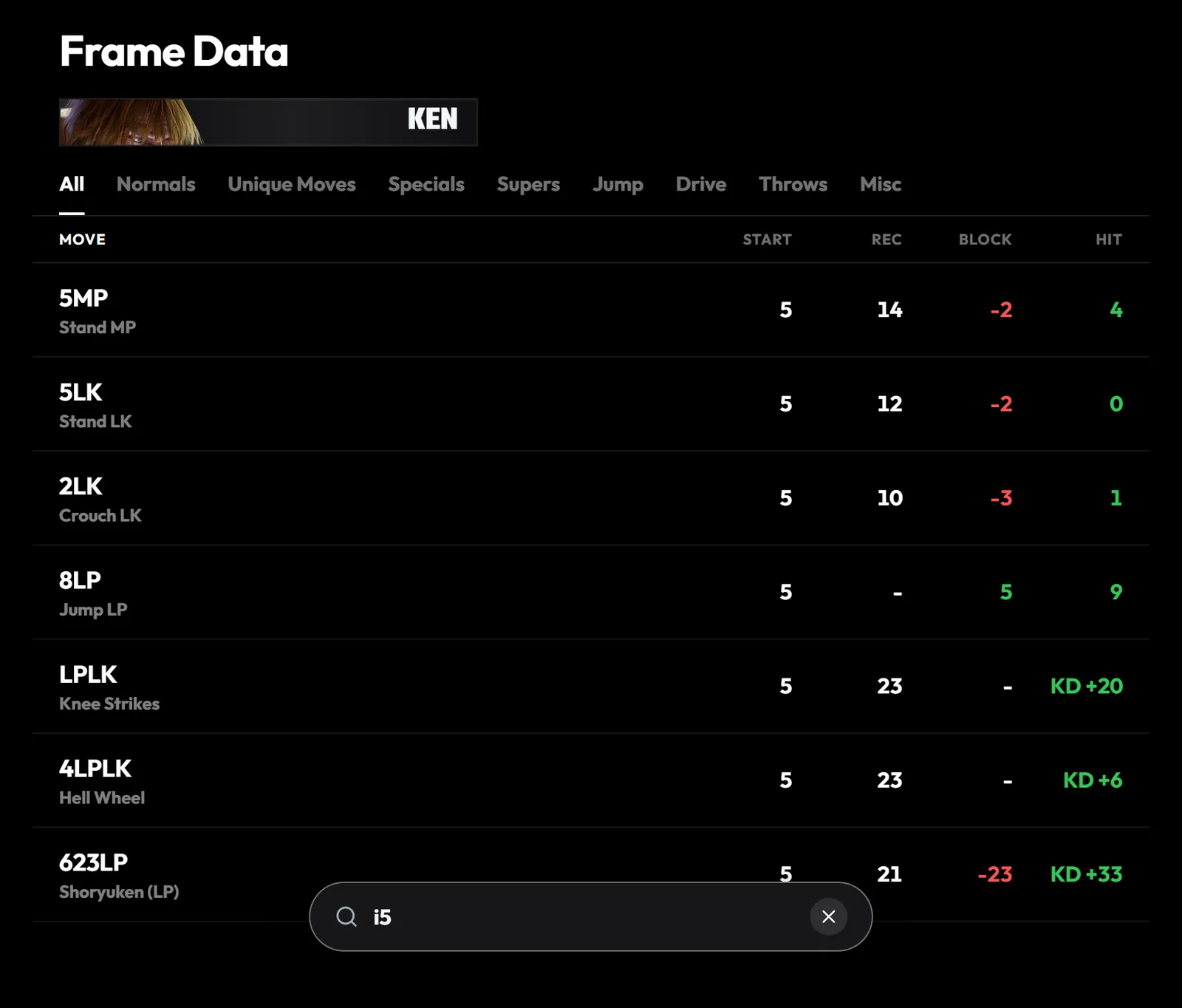
Type in Filter moves to search by name or notation, or use filters such as i5 for 5-frame startup, +2 for advantage, or has:hitbox.
Open a move
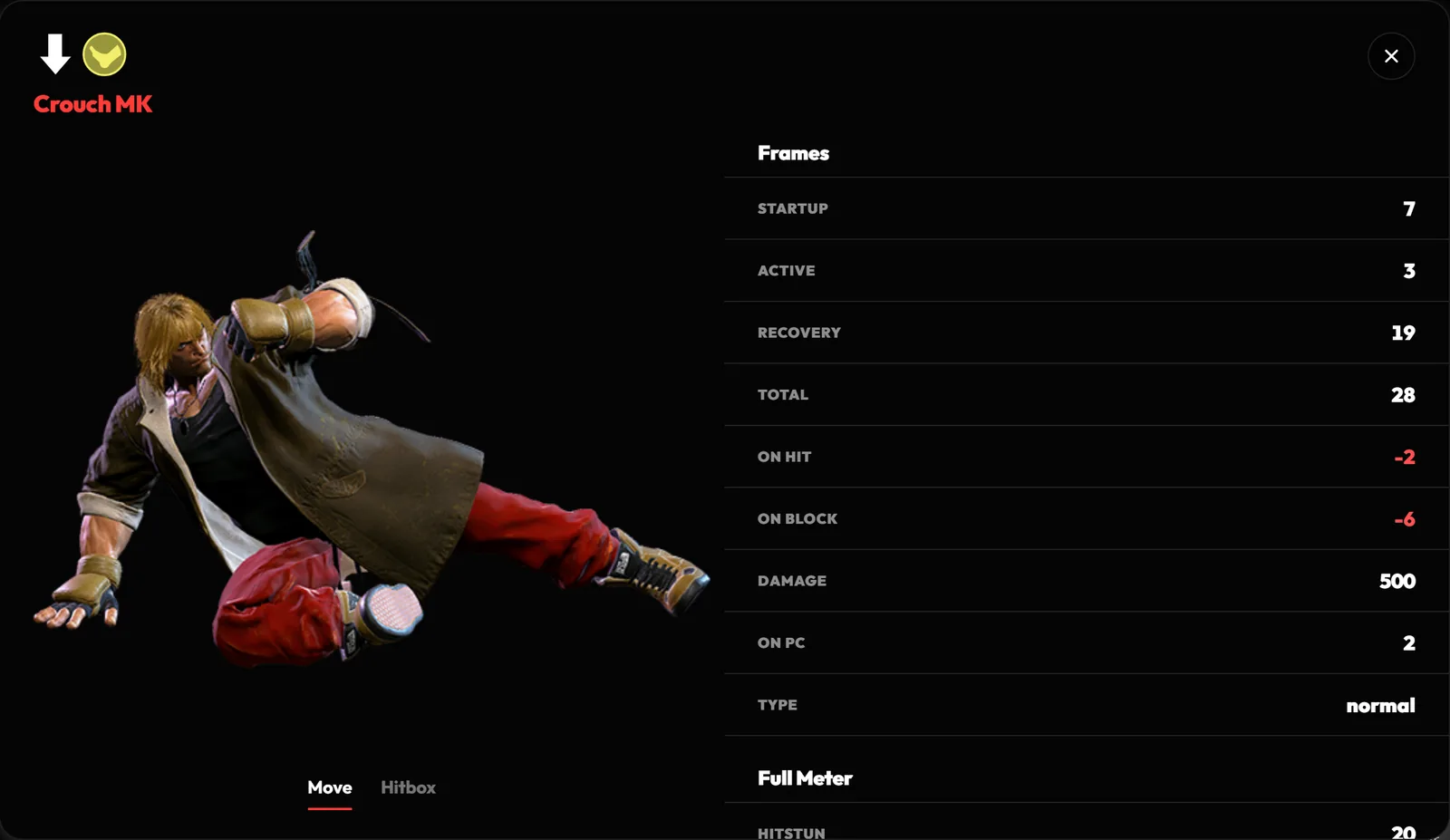
Select a move for its full details, including active frames, damage, hitstun and notes. Switch to Hitbox to step through the hitbox animation frame by frame.
Find your plus moves
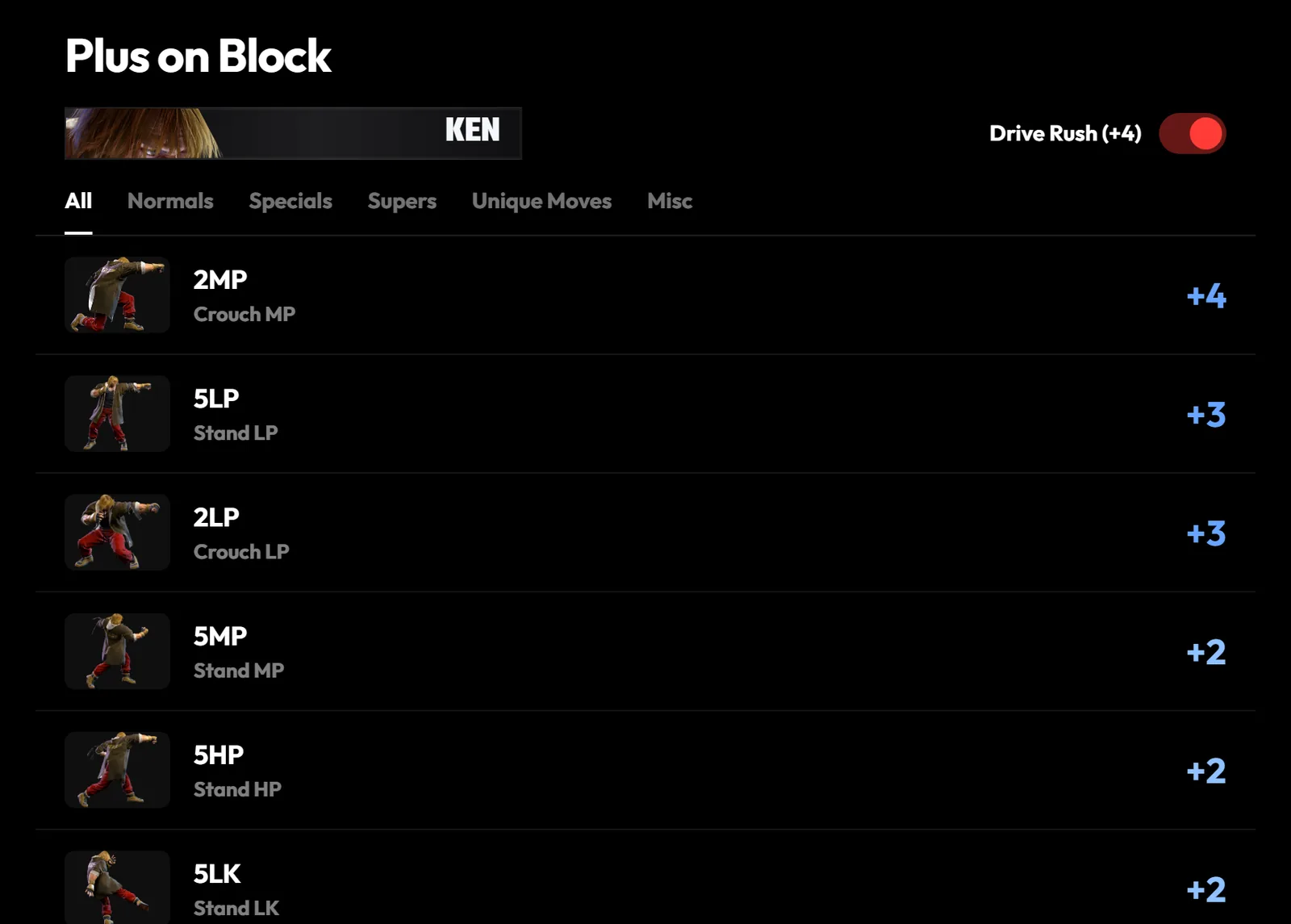
Plus on Block Moves lists every move that leaves you plus on block, most plus first. In Street Fighter 6, turn on Drive Rush (+4) to see what becomes plus after a Drive Rush.
Check before you lab. Before you practise a punish or a pressure string, look the moves up in Frame Data to confirm the numbers. Search can take you straight to a move too. Try a character and a move, such as ken 2mk.