
Share & Tech Exchange
Share notebooks, tech and drills with a friend, by link, or publicly on Tech Exchange.
Tech Exchange is the community library. Browse what other players have published and import a copy into your own workspace.
Choose where to share
Select Share library, Share category or an entry's Share option in Tech Library, or Share notebook in Notes. Send to Friend delivers it inside FighterCenter, Share Link creates a link you can paste anywhere, and Share to Tech Exchange publishes it.
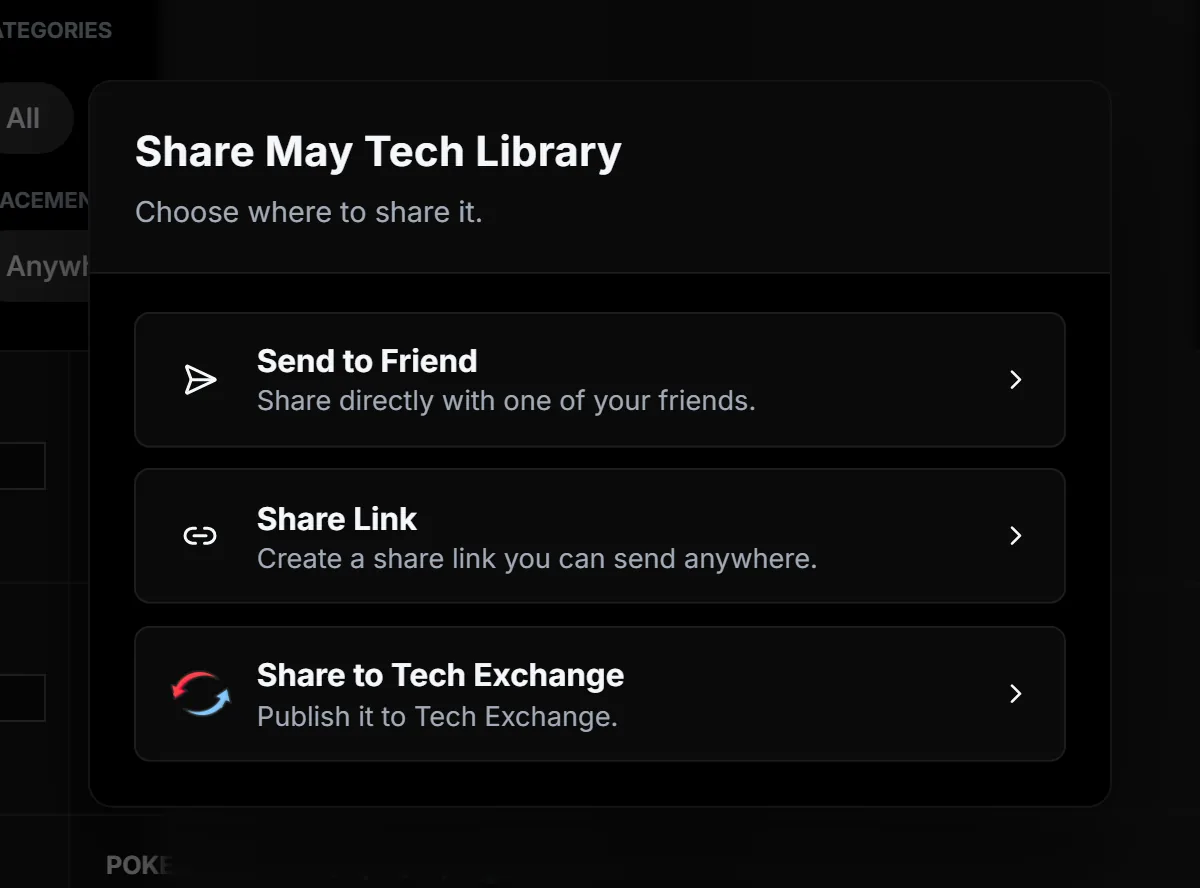
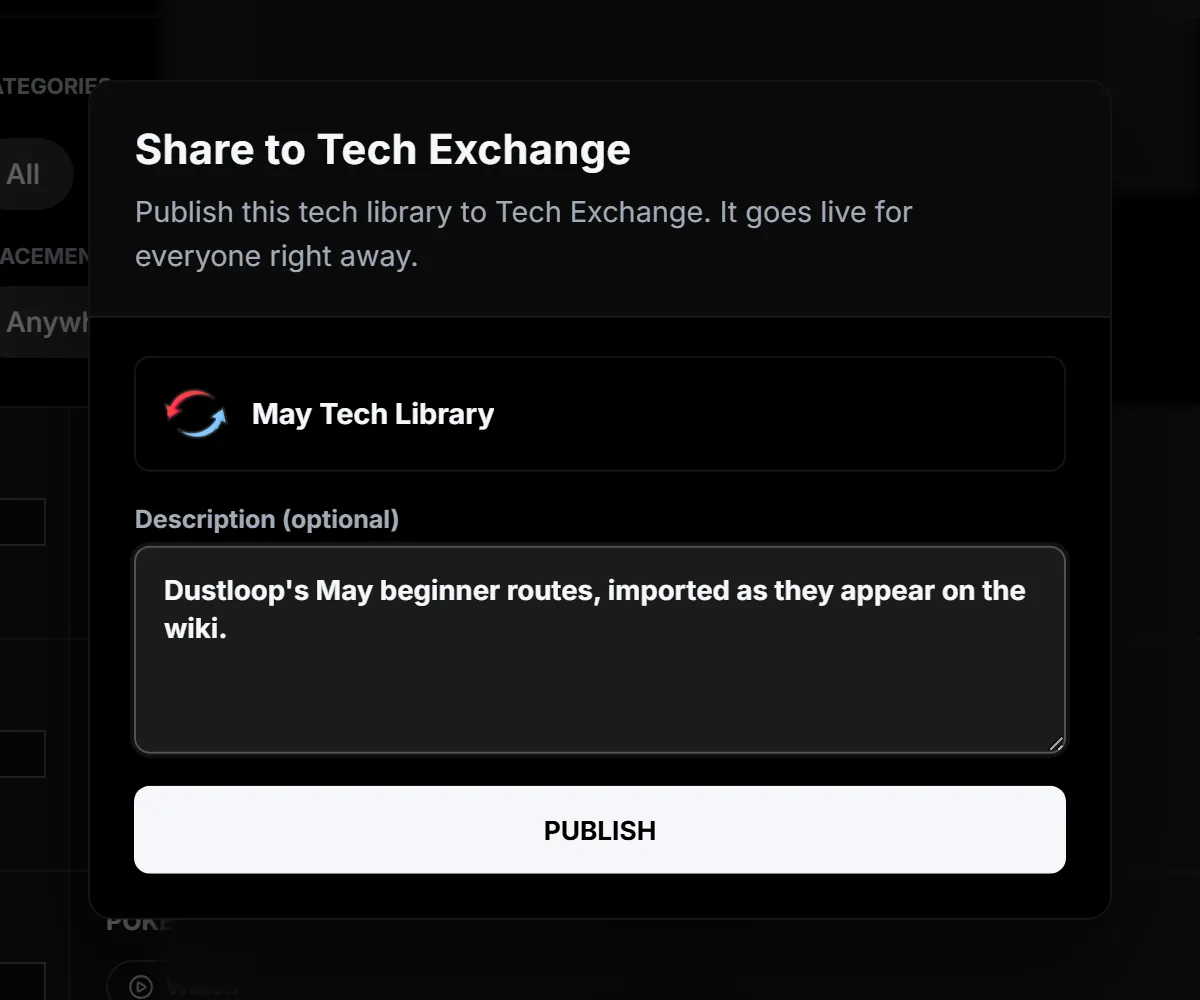
Publish to Tech Exchange
Add a short description of what players will get, then select Publish. It goes live straight away. Tech Exchange keeps the version you published, so later edits to your own copy do not change it.
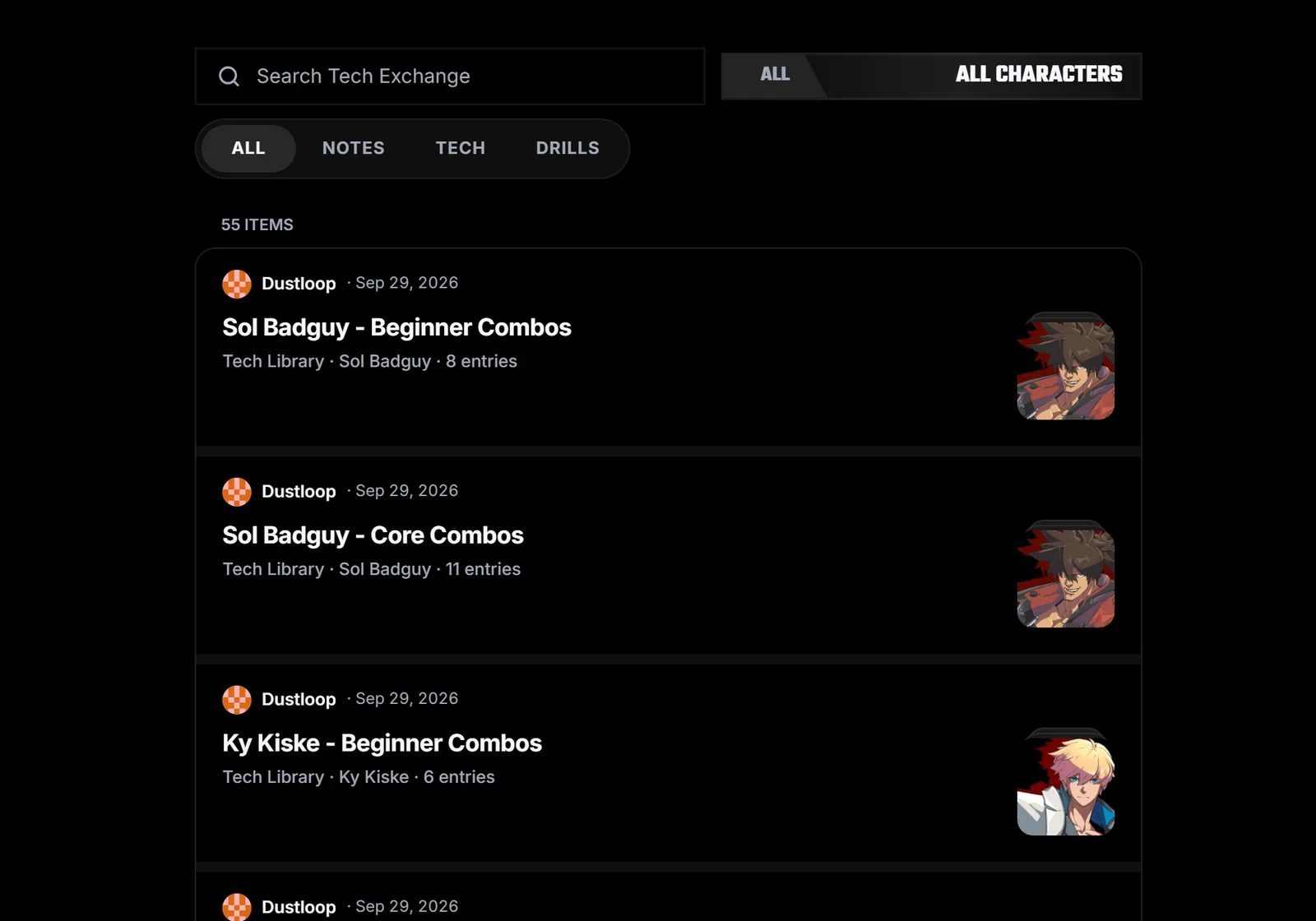
Browse Tech Exchange
Search, pick a fighter, or filter to Notes, Tech or Drills. Each row shows who shared it and what it contains. For Guilty Gear Strive, Dustloop's beginner and core combo routes are ready to import.
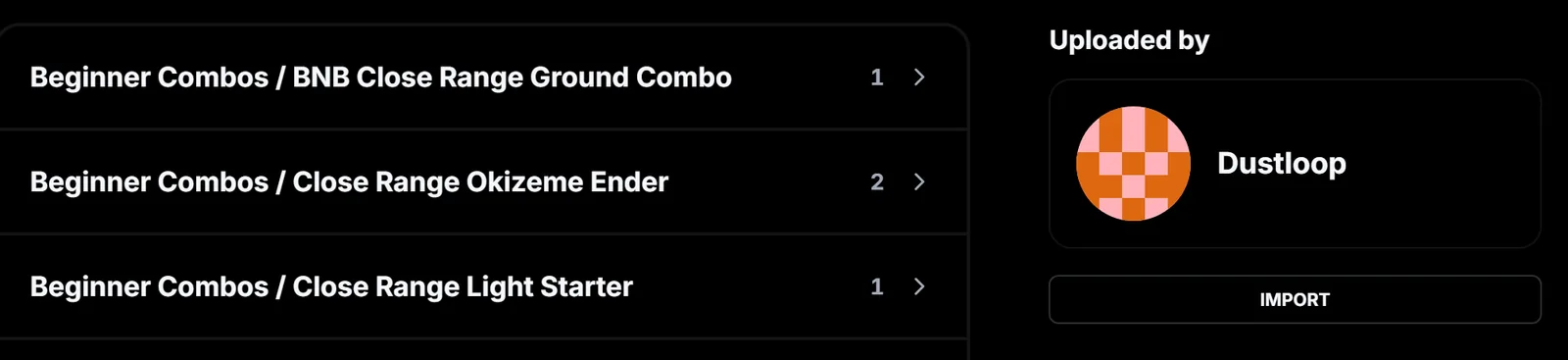
Import a copy
Open an item to preview what is inside, then select Import. Tech goes into that character's Tech Library, notebooks into Notes and drills into Drills. Imports are added next to what you already have and never replace it.
Friends and your inbox. Add friends with Add Friend in the profile menu, or share your invite link. Anything a friend sends you arrives in your Inbox, next to your name at the top of the sidebar.