
Task list
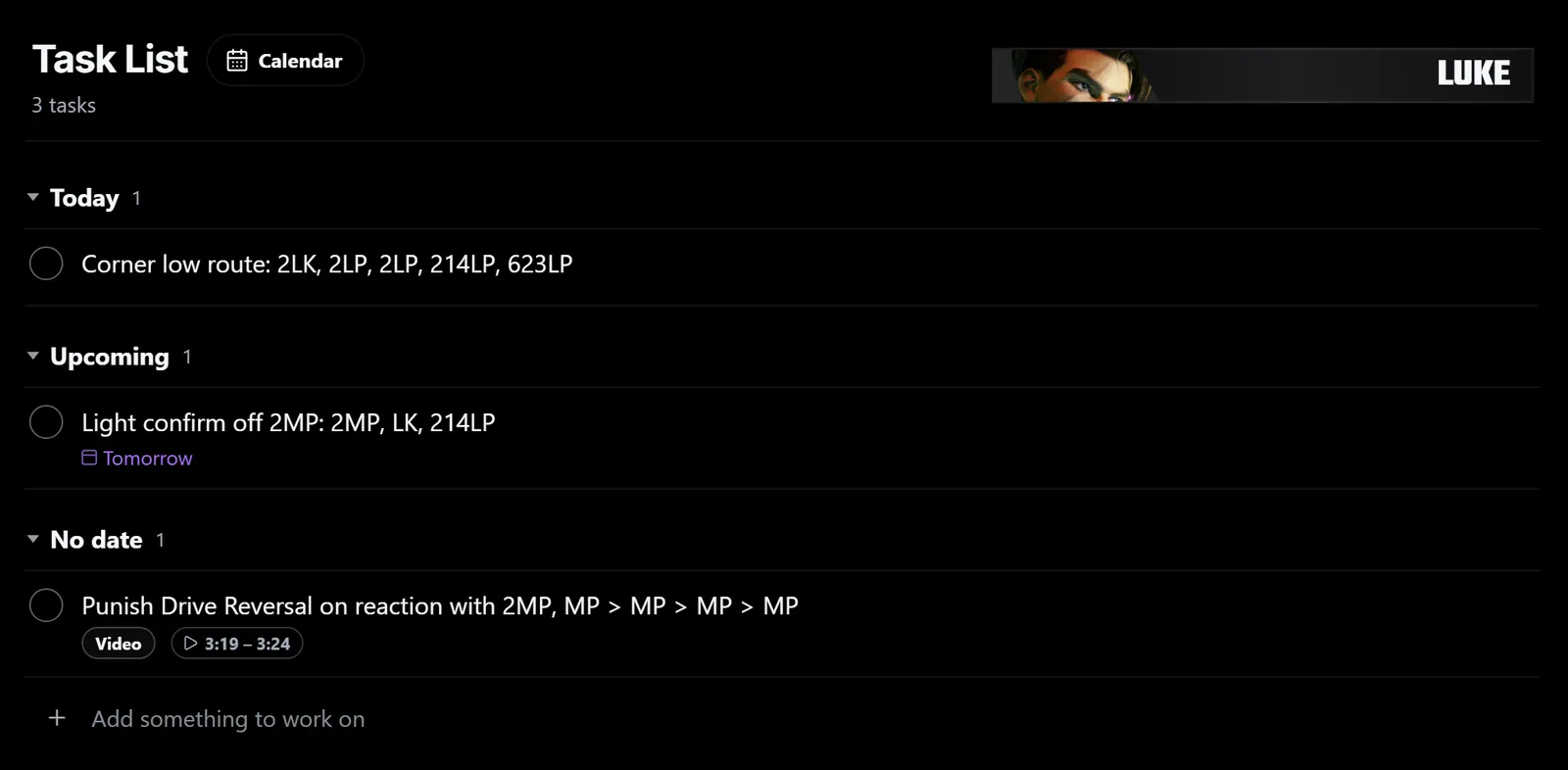
Task list keeps track of what you want to work on next, whether that is a habit to fix, a matchup to learn or a setup to lab.
Tasks are saved per character and grouped by when they are due.
Plan what to work on
Type in Add something to work on and press Enter. Set a Date and Priority if you want to. Tasks are grouped into Overdue, Today, Upcoming, No date and Completed.
Edit a task
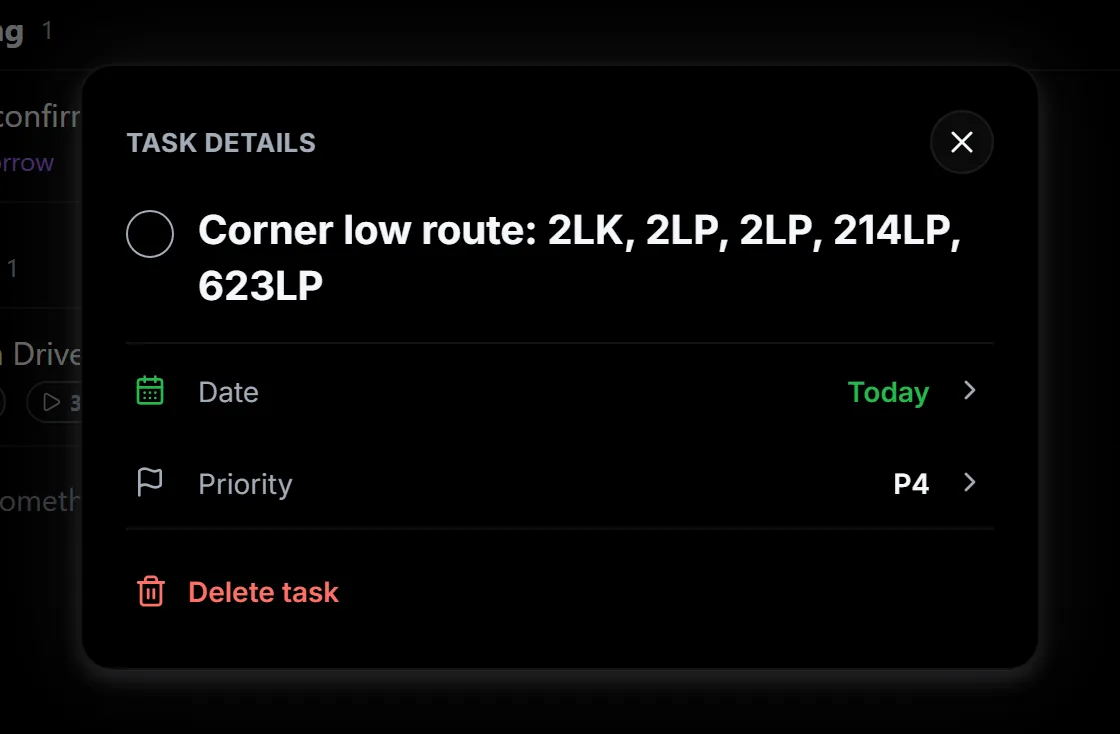
Select a task to rename it, change its date or priority, or delete it. Tick the circle beside a task when it is done.
Add tasks while you study. Select Add to tasks while watching a video, or the task icon at the top right of a page to open your Task list. Tasks added from a video keep a link to that moment, so you can rewatch it later.