
Notes & matchup notebooks
Notes is your notebook for each character and matchup. Write down what you learn, organise it into pages, and keep it handy for your next session.
Your character has its own notebook, and every opponent gets a matchup notebook, so advice for one matchup never gets buried in another.
Choose a notebook
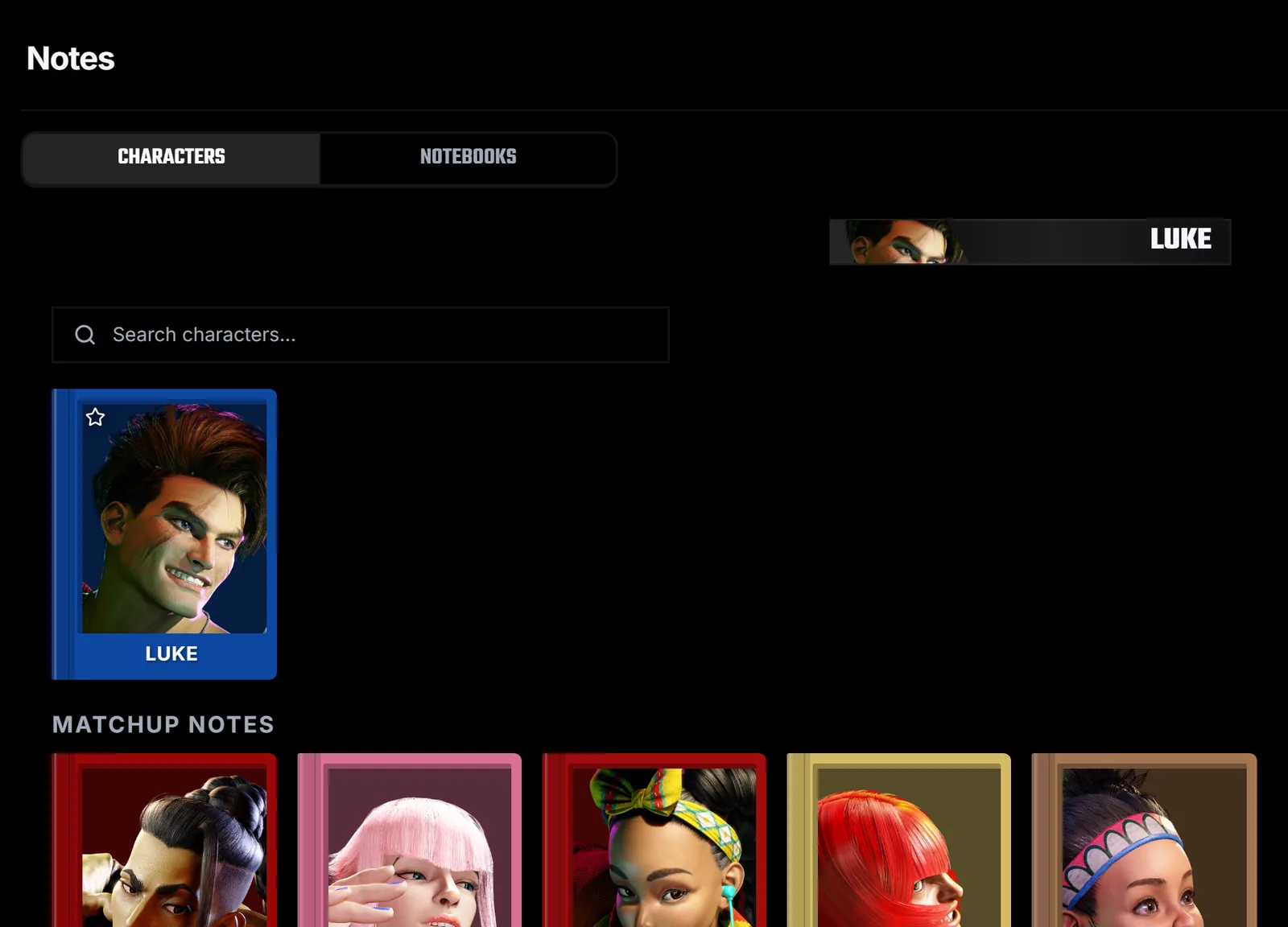
Open Notes and stay on the Characters tab. Your character's notebook is marked with a star, and the books under Matchup Notes hold one notebook per opponent. Use the Notebooks tab to create your own notebooks with a cover colour.
Write on a page
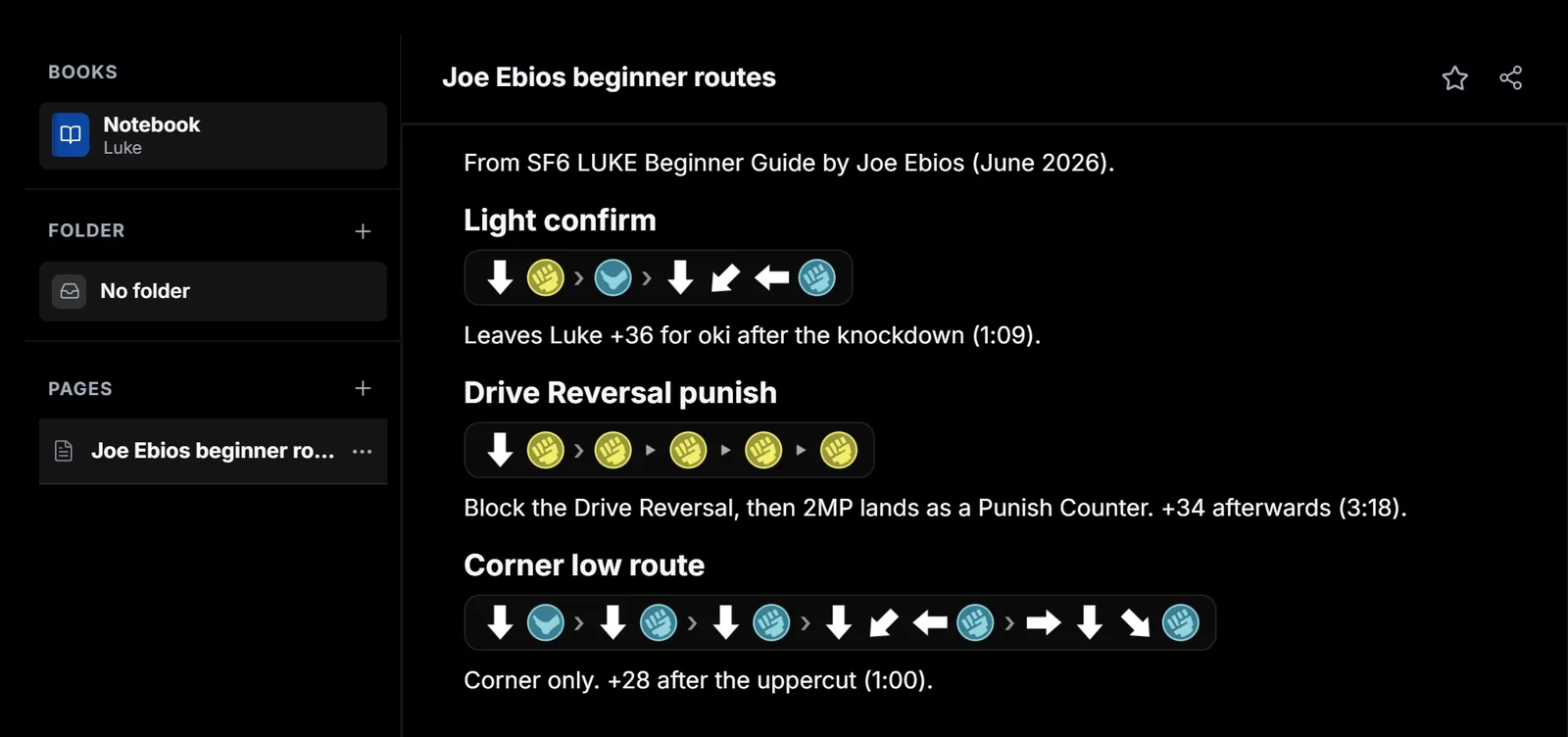
A notebook opens on its first page. Use New Note in the sidebar to add pages and folders to group them. This page records three routes from Joe Ebios's Luke beginner guide, each with the time it appears in the video.
Insert blocks with /
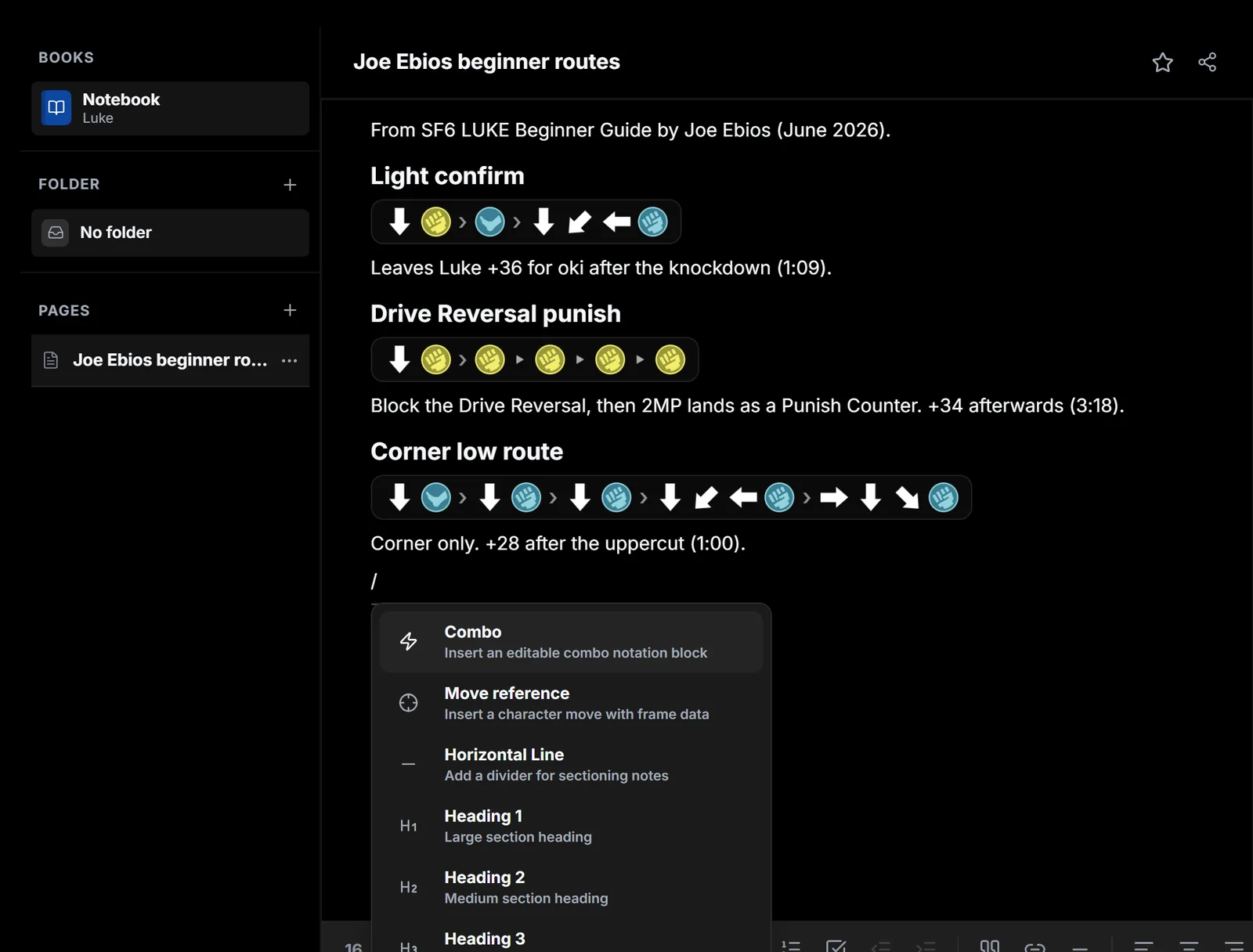
Type / to insert headings, lists, checklists, quotes, links and dividers. Move reference adds a move together with its frame data.
Write combos as inputs
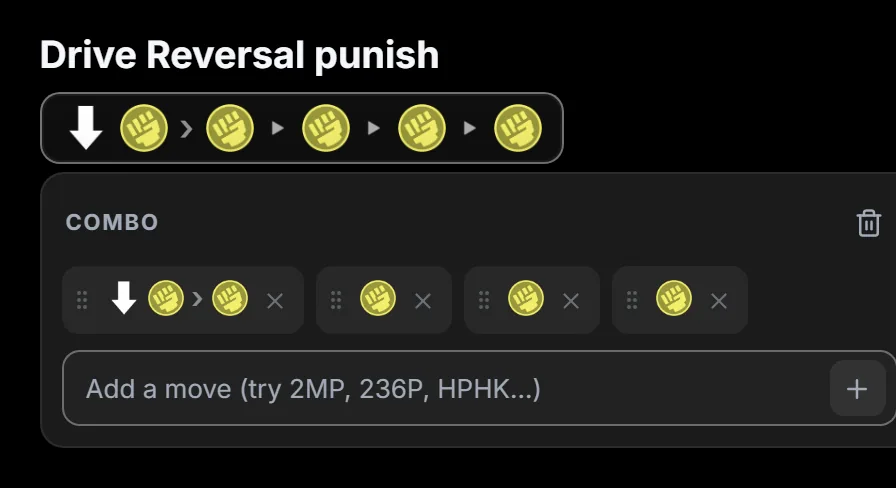
Choose Combo and type the route in numpad notation, such as 2MP, MP > MP > MP > MP. A comma marks a link or cancel, and in Street Fighter 6 > marks a target combo, shown with the chain arrow. Drag moves to reorder them, or use the bin to remove the block.
Note where it came from. Write the source and the video time next to each route, like the guide timestamps above, so you can check it again after a balance patch. When you study a video, these same notebooks open beside it. The next lesson covers clips.