
Games & mains
FighterCenter supports dozens of fighting games. Notes, Tech Library entries and tasks are saved per game and character, so material for one character never gets mixed in with another.
Choose the game you are playing, then pick up to three mains.
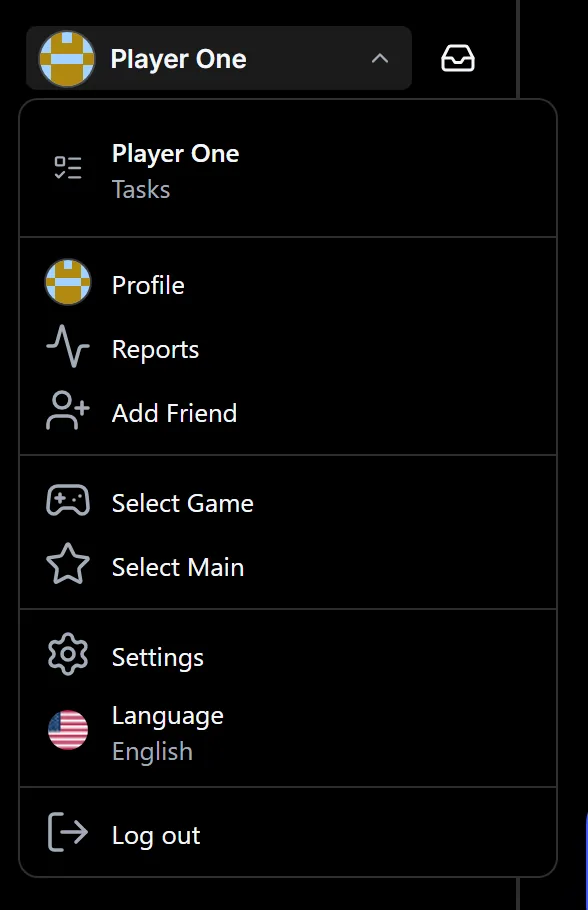
Open the profile menu
Select your name at the top of the sidebar. The menu holds Select Game and Select Main, along with your profile, friends and settings.
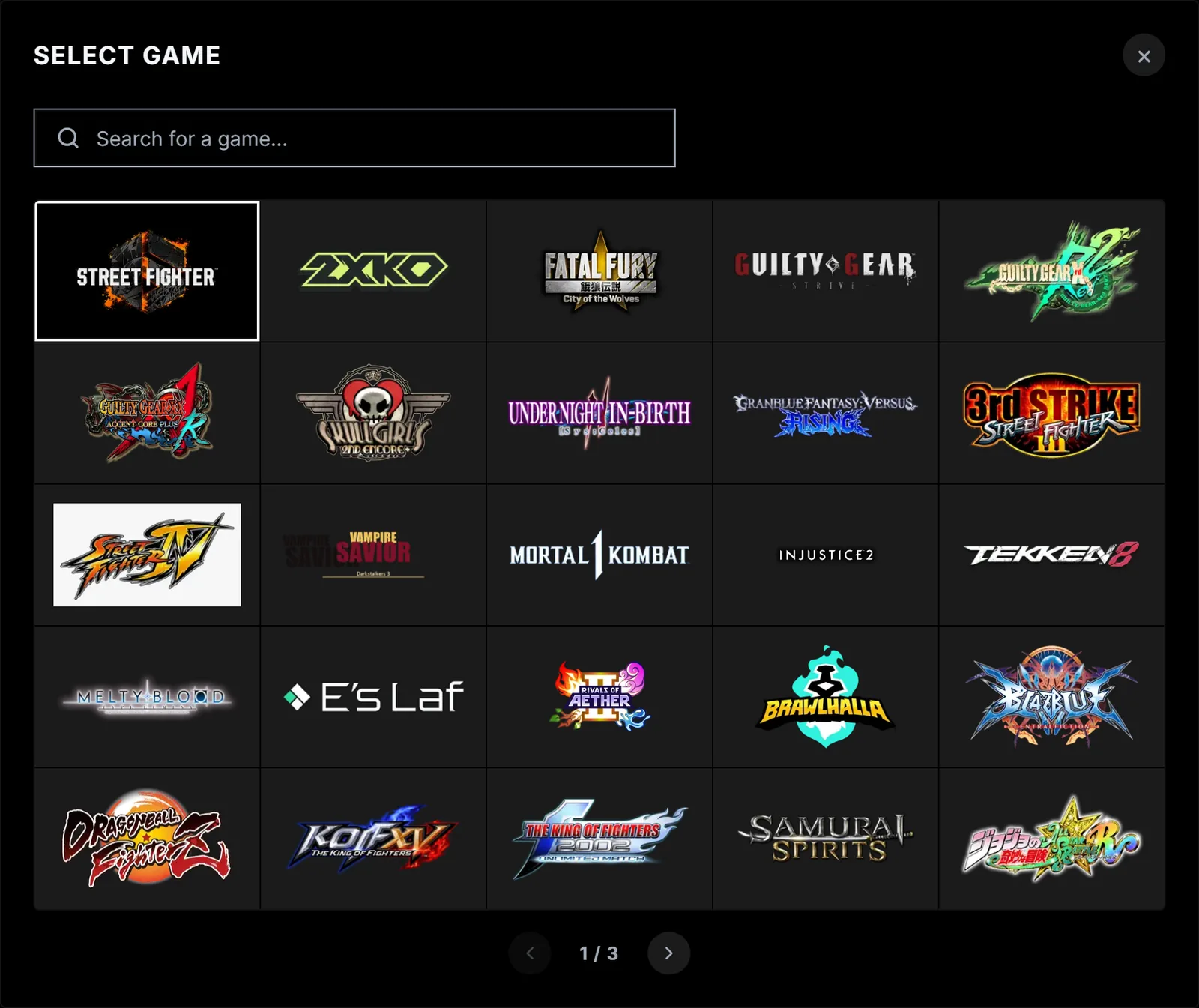
Choose a game
Search or browse the list and select a game. FighterCenter keeps you on the same page in the new game. If you have no mains for it yet, Home opens with the mains picker.
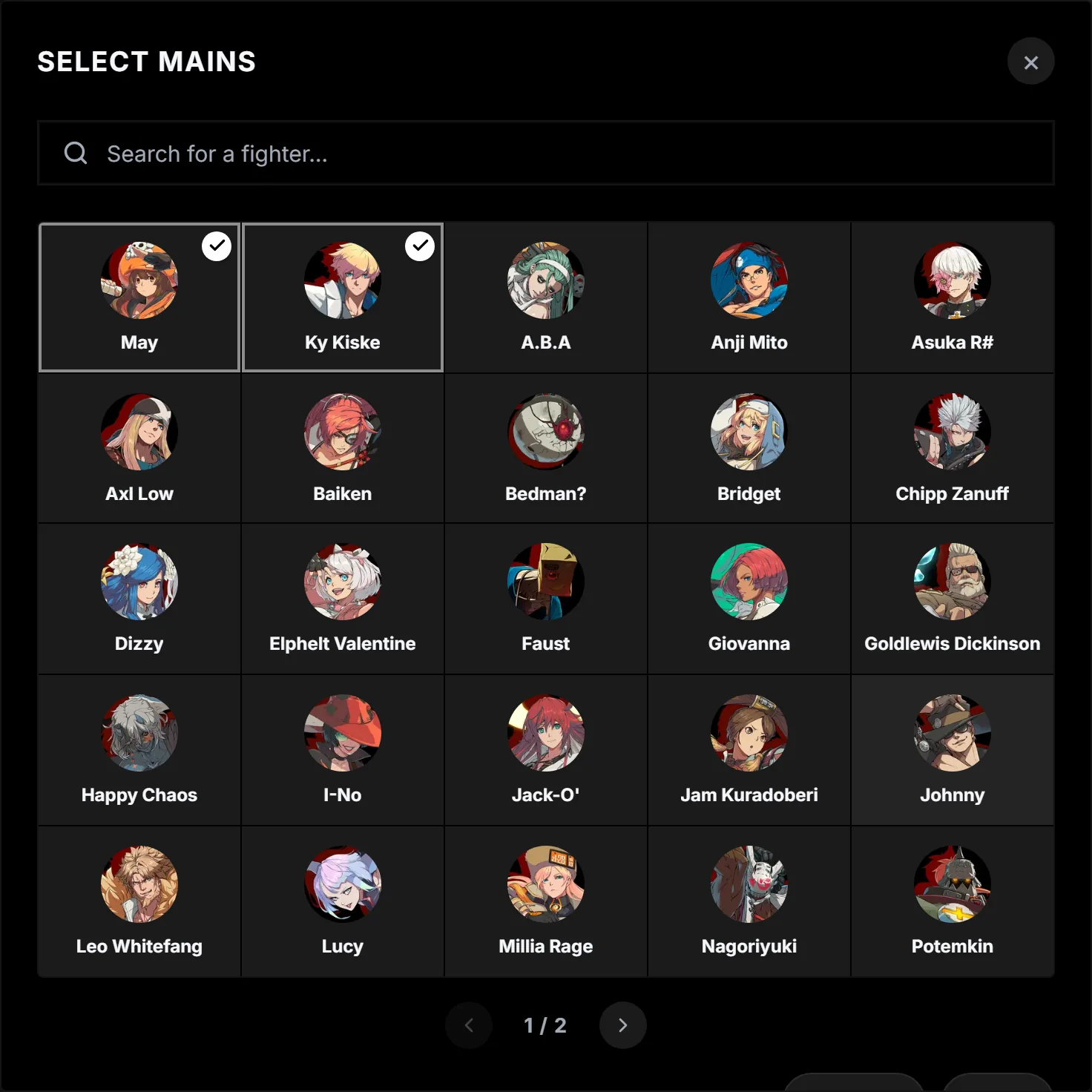
Pick your mains
Select up to three fighters, then choose Done. Your mains appear on Home, where you can switch between them.
Looking at another character. Notes, Tech Library, Tech Practice, Task list, Quiz and Frame Data each have a fighter picker at the top. Use it to check another character without changing your mains.