
Search, Glossary & News
Press F on any page, or select Find... at the top of the sidebar, to search FighterCenter.
One search covers glossary terms, moves, tools, videos, clips, replays, players and links for the game you are in.
Search by topic
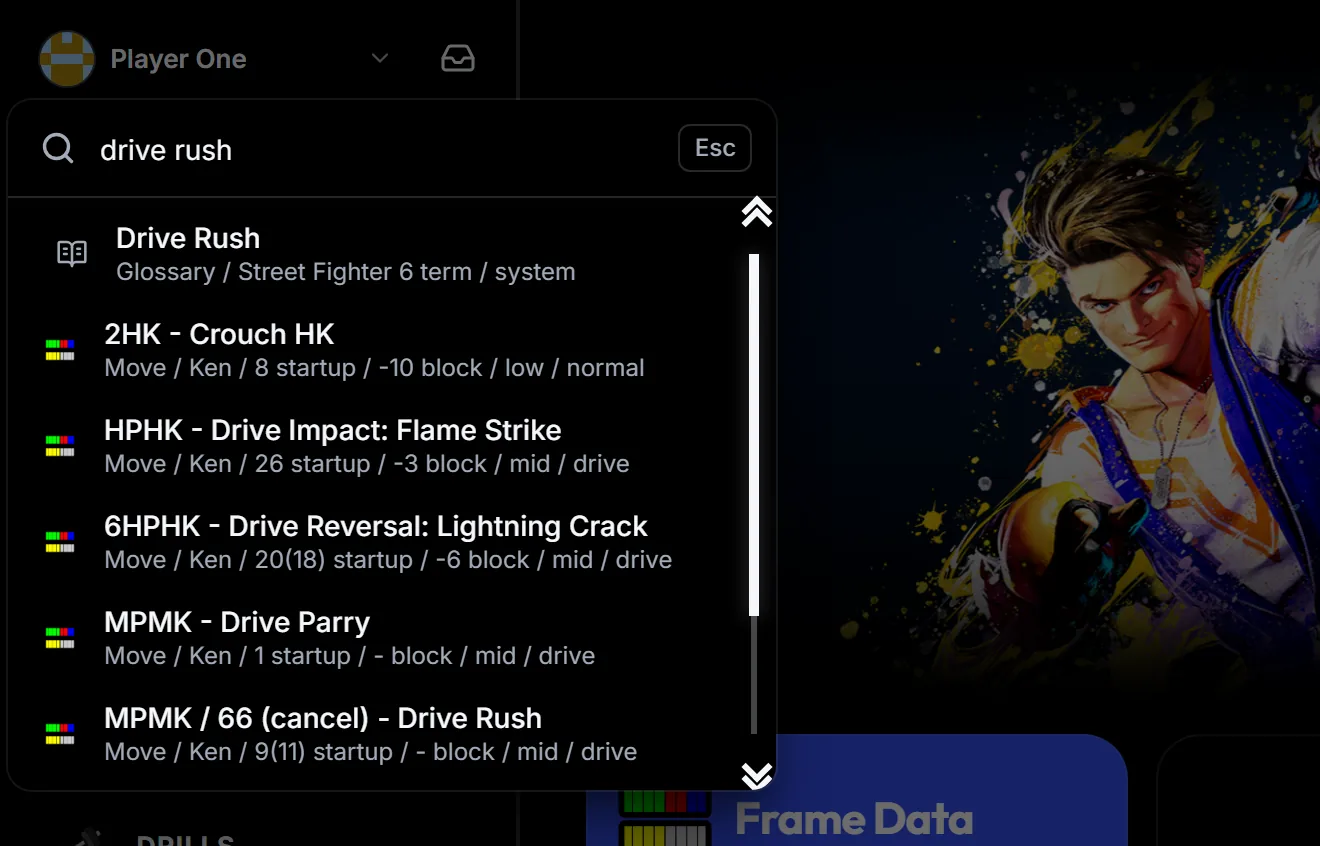
Type a term such as drive rush. Each result is labelled with its type, so the Glossary definition, related moves, tools and videos appear together.
Filter moves by frame data
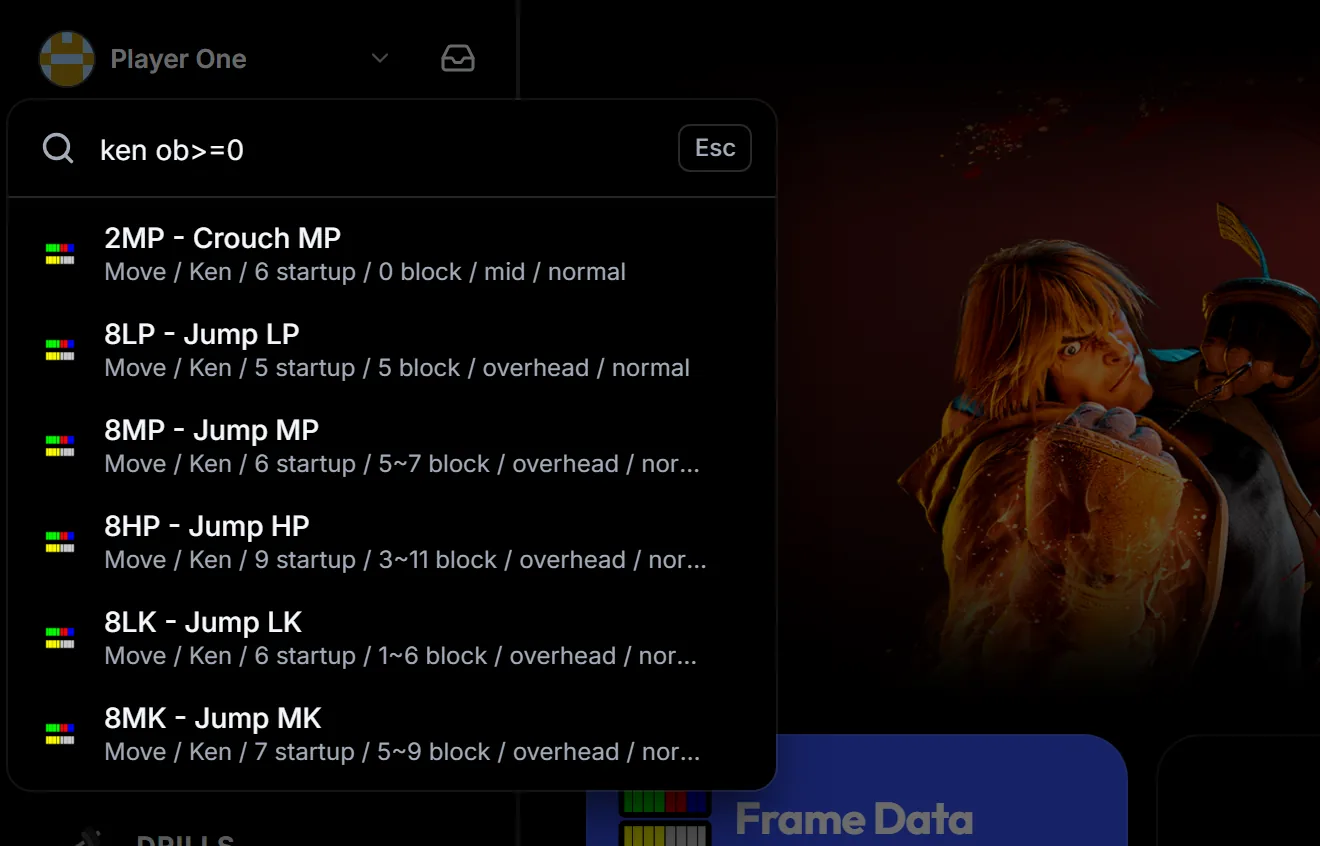
Add a character name to narrow the results to that fighter, then add a frame filter. ken ob>=0 lists Ken's moves that are even or plus on block. Filters such as startup<5 and level:low work too.
Read a definition without leaving the page
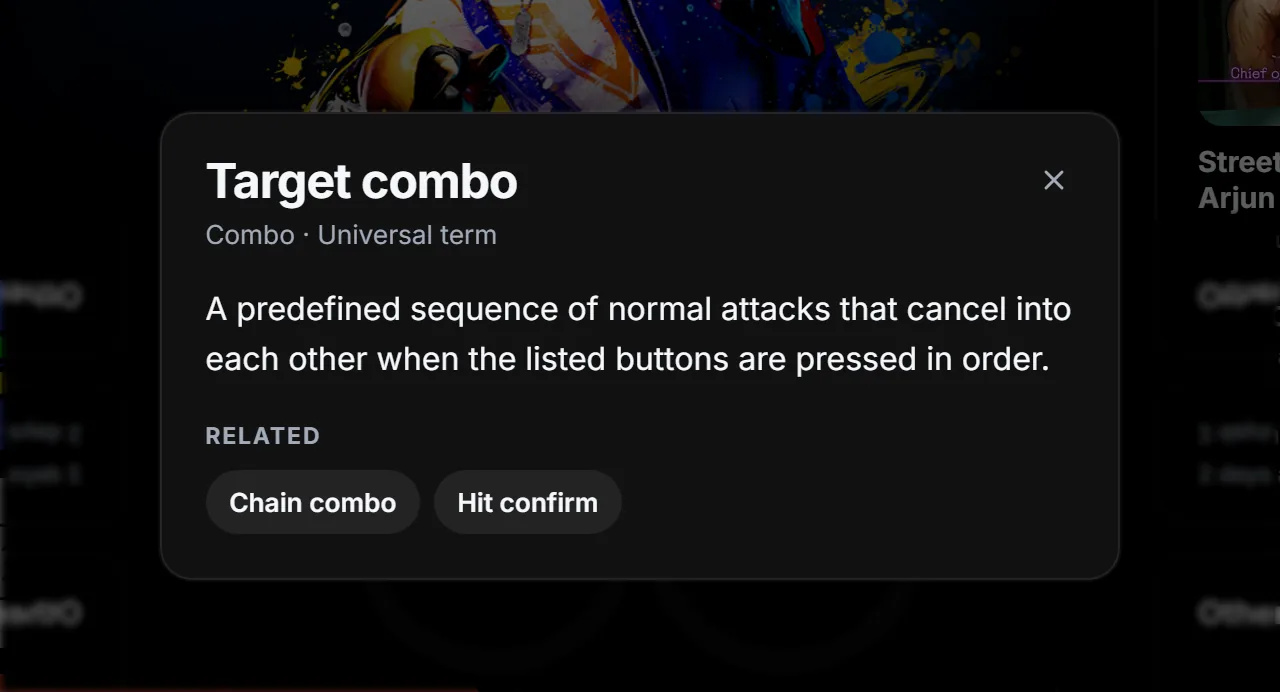
Select a Glossary result to open its definition over the page you are on. Related terms are one click away, and closing the definition puts you back where you were.
Browse the Glossary
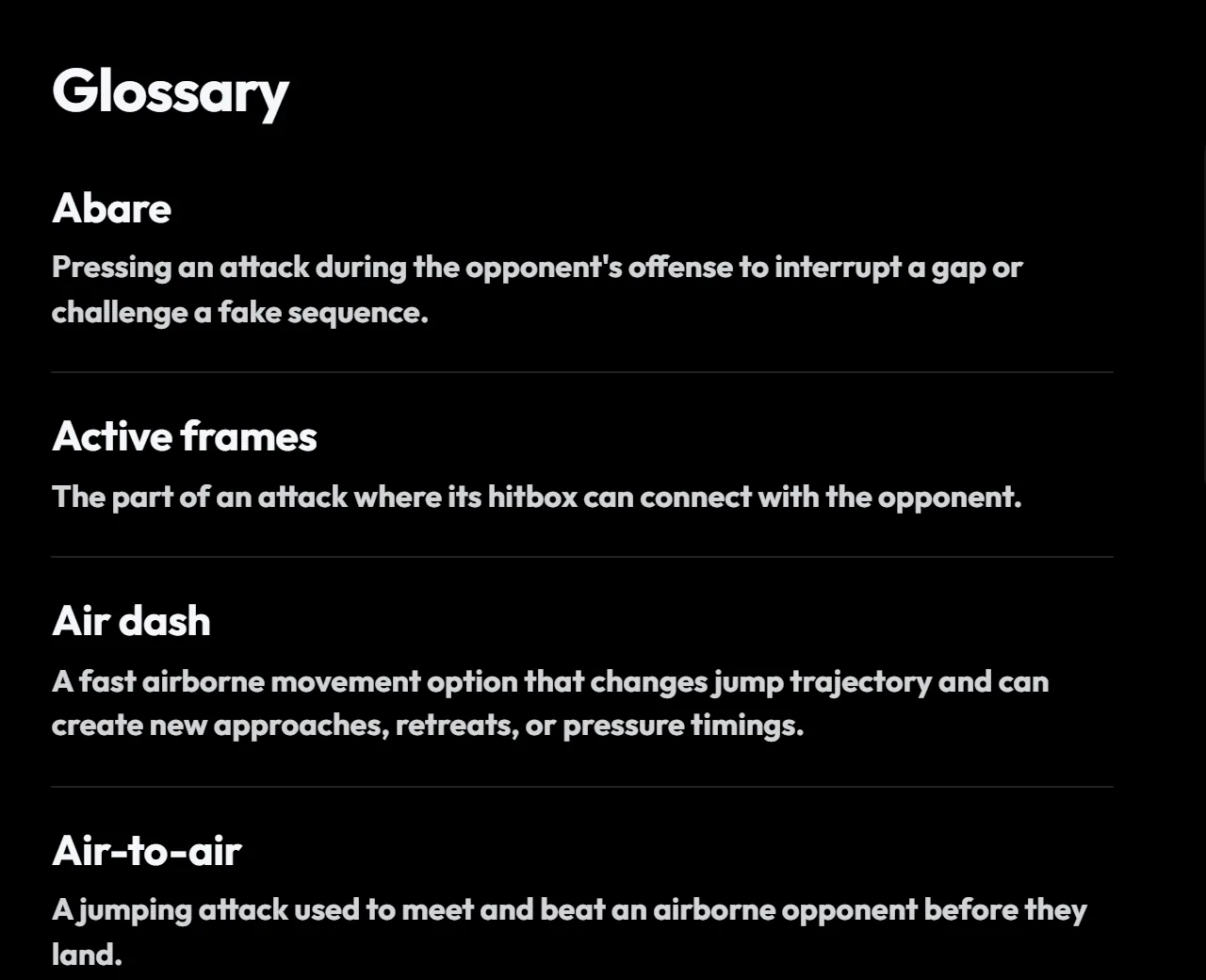
The Glossary lists general fighting game terms and terms specific to your game, from A to Z. Open it from Home, and use Search terms to find one.
Keep up with FGC News
FGC News collects tournament results and game news. Open it from the FGC News card on Home, and use the game switch at the top to see this game or all games.

Save the pages you use most. Select the star at the top right of a page to add it to your favorites. Your four most recent favorites appear under Shortcuts in the sidebar, so the tools and notebooks you use every session are one click away.