
Your multi-game workspace
FighterCenter organizes your workspace around the selected game and character.
Notes, Resources, Tech Library entries, and Practice stay with that selection, so material from different games and characters does not get mixed together.
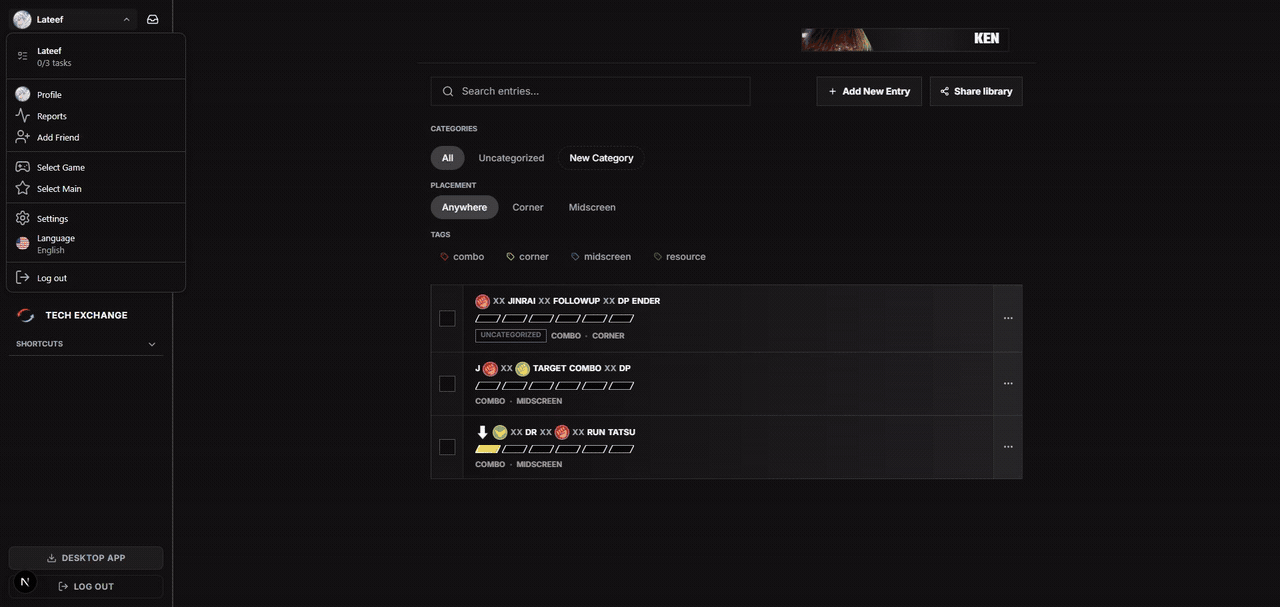
Open Select Game
Open the account menu and choose the highlighted Select Game option.
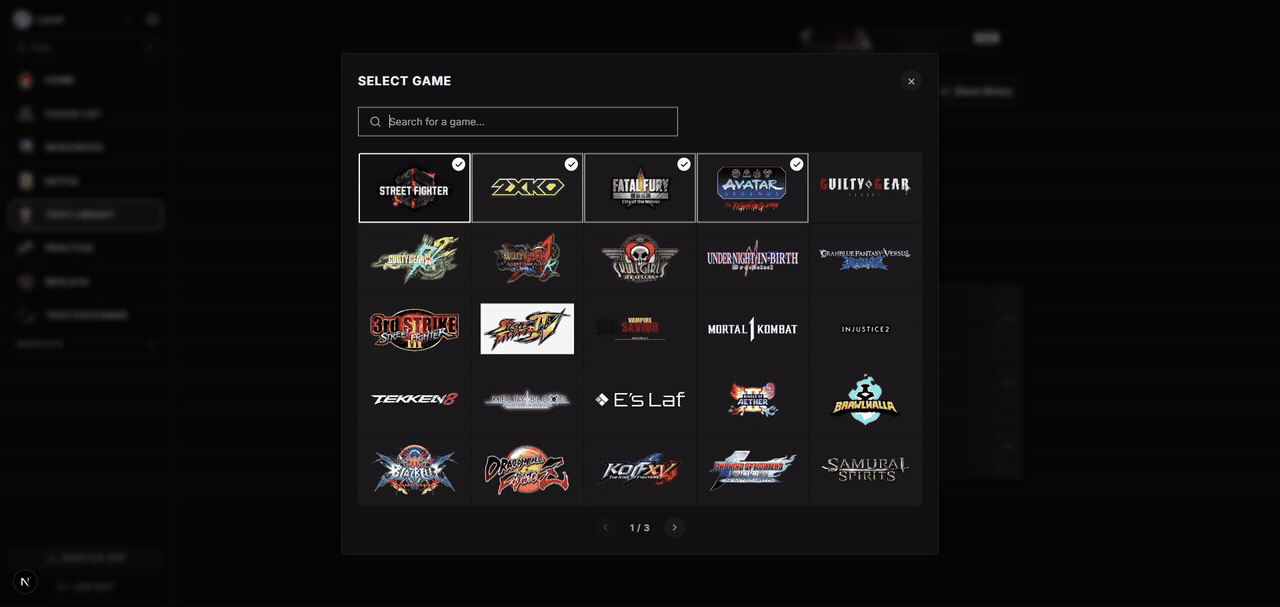
Choose a game
Choose the game you want to use. FighterCenter loads the matching roster and workspace.
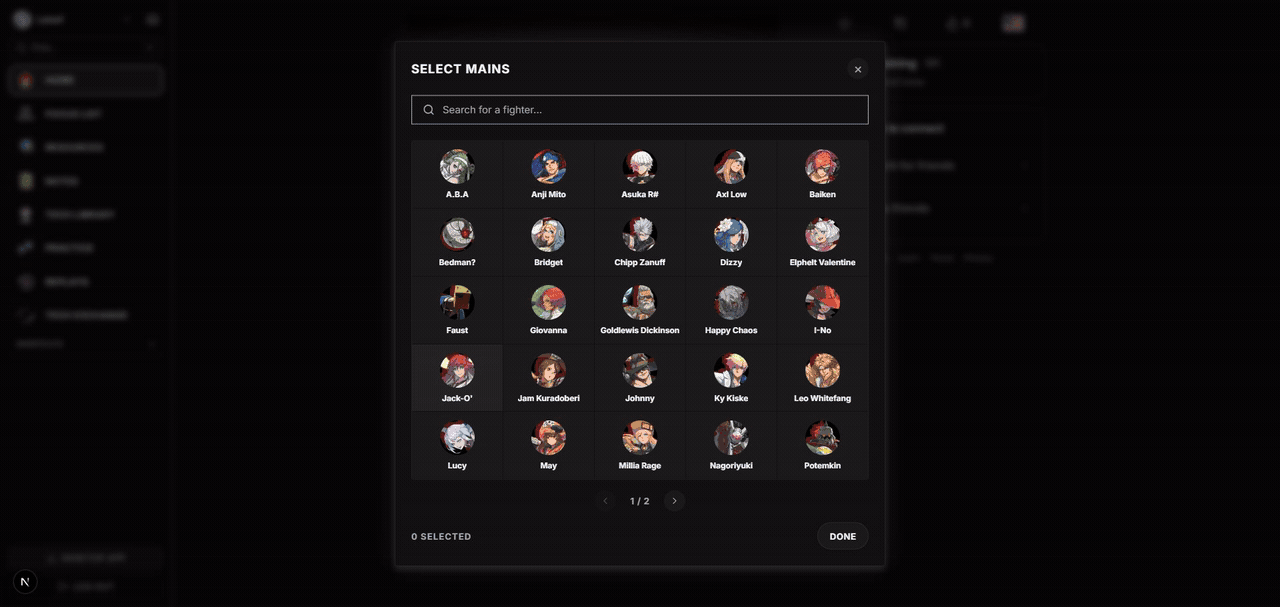
Choose your characters
Select one or more mains. Switch between them whenever you want to see that character's material.
What the selection changes. Switching games or characters changes the material shown across Notes, Resources, Tech Library, and Practice. Choose the right game and character before saving something or starting a session.