Start a Tech Practice Session
Turn saved Tech Library entries into focused practice sessions for combos, oki, setups, and strings.
What It Does
Tech Practice turns saved entries into a short drill session.
Use it when you already saved something and want focused reps instead of more browsing.
Before You Start
You need at least one saved Tech Entry for the selected character.
Start a Session
- Open
Practice. - Choose
Tech Practice. - Pick the character.
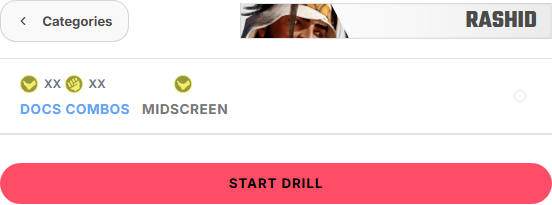
- Choose the practice type.
- Select the entries you want to drill.
- Start the session.
During a Session
Keep early sessions small. It is better to repeat a few useful entries than to rush through a large list.
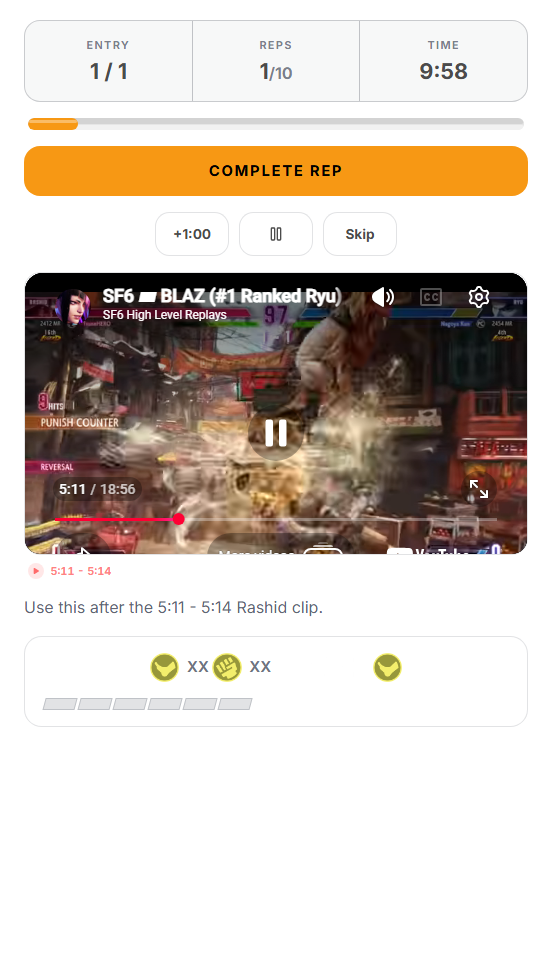
- Complete reps.
- Skip entries you do not need today.
- Watch the saved video moment if one exists.
- Stop when the session stops being focused.
FAQ
Tech Practice is empty
Save or import Tech Entries for the selected character.
The entry is not in the list
Check the character, type, and category.
The video preview is missing
The entry needs a video link and timestamp.
The session has too much material
Go back and select fewer entries.