Find and Organize Saved Tech
Find and clean up the tech you saved for a character.
What It Does
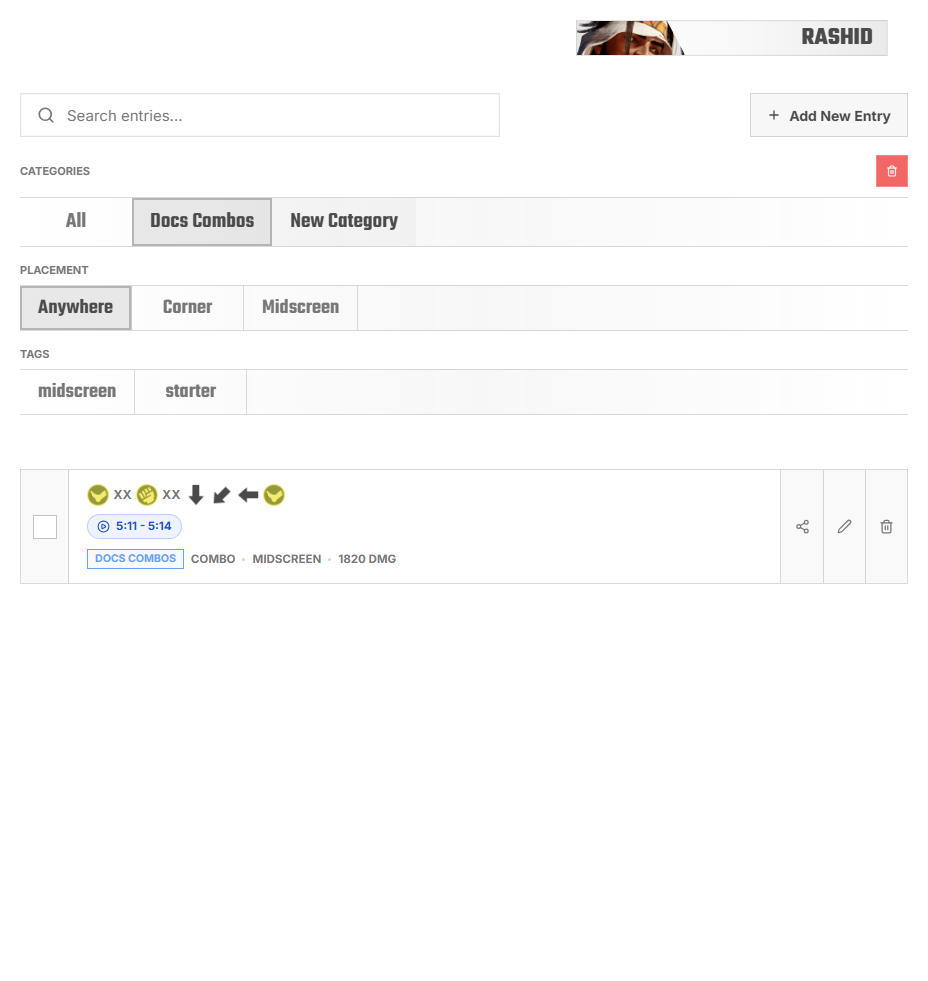
Saved Tech is the practice material you have kept for a character.
Use it when you want to find a route, clean up old notes, or choose what to practice next.
Find Saved Tech
- Open
Tech Library. - Pick the character.
- Search if you know the route, tag, or note text.
- Use categories or tags to narrow the list.
- Open the entry you need.
Keep It Useful
A smaller, clearer library is easier to practice from than a giant collection of half-finished notes.
- Delete duplicates.
- Edit unclear entries.
- Split large entries into smaller ones.
- Move entries into better categories.
- Add tags only when they help you find something.
FAQ
My entry is missing
Check the selected character and game.
Search does not find it
Search for words you actually saved in the title, notes, tags, or notation.
My category is too crowded
Split it into smaller categories based on how you practice.