Set up OBS, then go live
Press Go live and FighterCenter creates the YouTube stream, syncs OBS with that stream, and starts a session you can review later.




Set up OBS, press Go live in FighterCenter, and play your matches. The stream stays watchable afterward so the set can be reviewed outside the game.
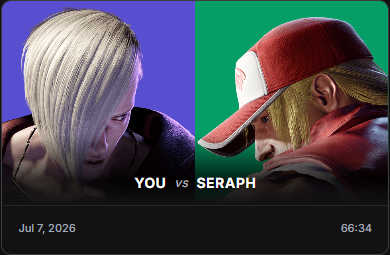
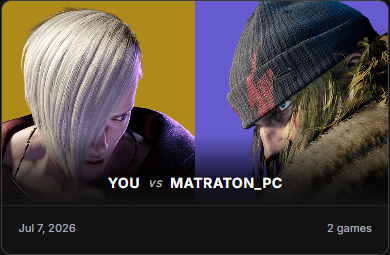
Made for every fighting game
 SF6
SF6 T8
T8 GGST
GGST 2XKO
2XKO COTW
COTW GBVSR
GBVSR UNI2
UNI2 KOF XV
 DBFZ
DBFZ MK1
MK1 SSBU
SSBU SG+40 more
Press Go live and FighterCenter creates the YouTube stream, syncs OBS with that stream, and starts a session you can review later.
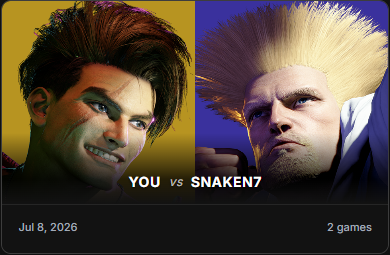
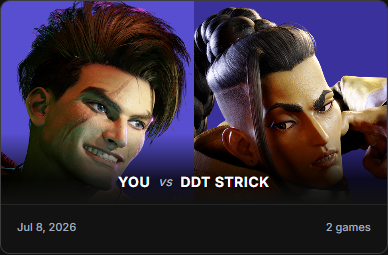
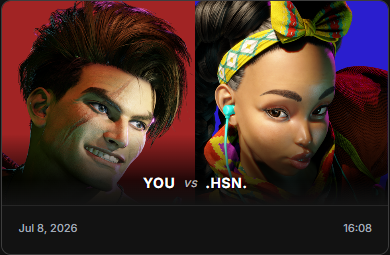
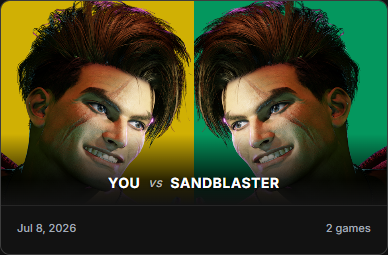
FighterCenter keeps the session organized as matches, so you can find the set without scrubbing through the whole stream.
Search by character, matchup, opponent, or the set you remember.

Pick a match and the review workspace starts there, ready for notes and feedback.
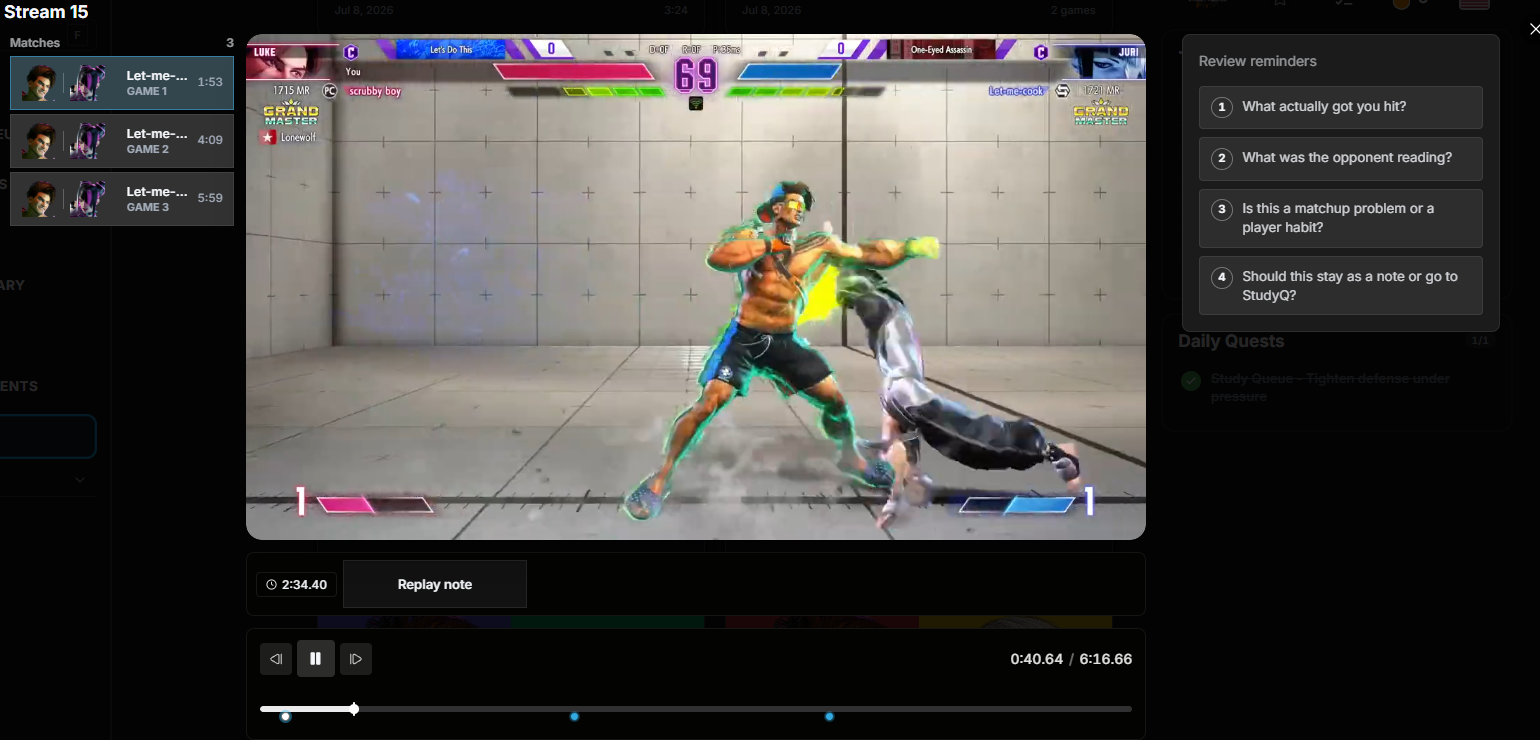
Save the fix to Focus List or Tech Library, then open Practice when it is time to drill it.



Yes, set up once. Connect YouTube, point OBS at FighterCenter, and from then on one press of Go live creates the stream, syncs OBS with it, and starts a session that gets organized for you.
On your own YouTube channel. FighterCenter keeps the session organized as matches on the Replay Board, so the set stays watchable outside the game.
No. The session is split into match cards you can search by character, matchup, or opponent, and opening one starts the review workspace at that exact match.
Yes. Keep it private, send it to a friend for feedback, or post it to the community board, then save the fix to Focus List and Tech Library.
The Go live flow is built around Street Fighter 6 today. Everything else on FighterCenter — notes, Tech Library, Practice, and Tournaments — works across every game on the platform.
Nothing to export or upload. The matches stay on the board, ready to open later with notes, timestamps, and review reminders.
Connect YouTube, set up OBS, press Go live, and come back to the match that needs work.
Start studying