Use Resources and Game Tools
Find game information, videos, and tools when you need a quick reference.
What It Does
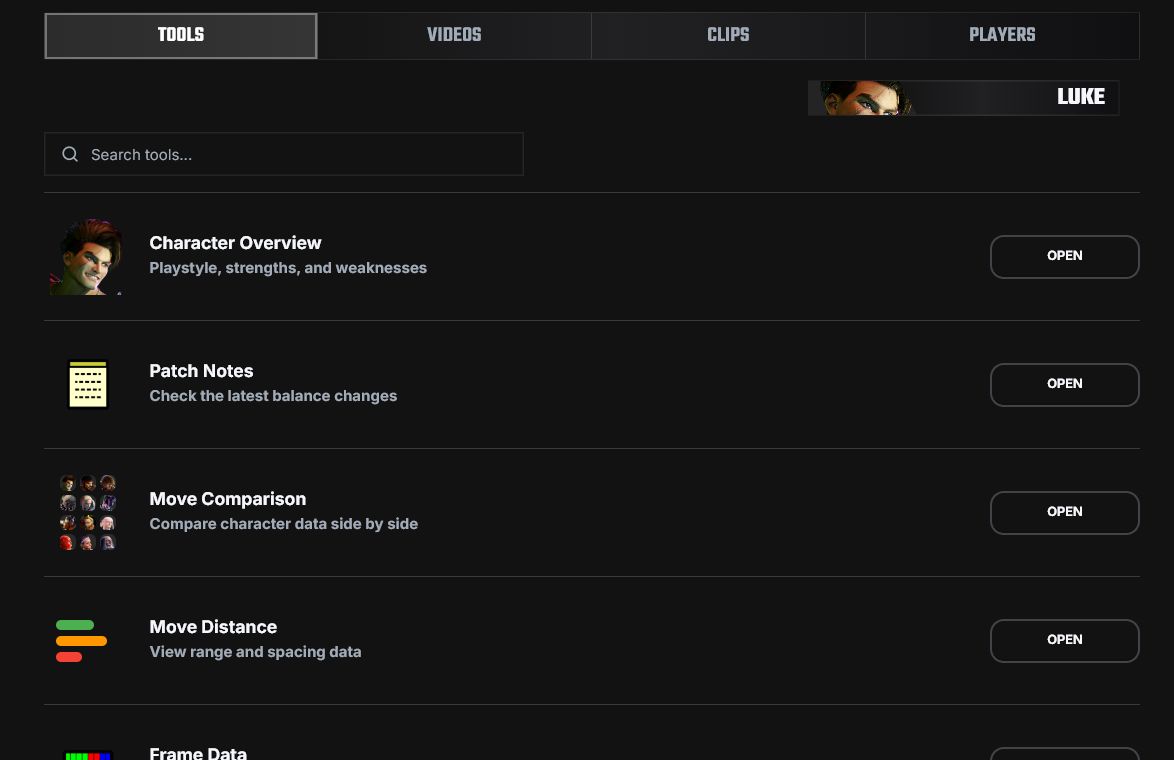
Resources is the reference area for each game.
Use it when you need move data, patch notes, videos, or a game-specific tool.
Use Resources
- Open
Resources. - Choose the tool you need.
- Pick a character if the tool asks for one.
- Search or filter the information.
- Use the save action if that tool has one.
What You Can Find
- Character overviews.
- Frame data and patch notes.
- Videos and guides.
- Game tools such as calculators, team builders, or matchup helpers.
FAQ
I cannot find a tool for my game
Not every game has the same tools. Use the tools available for that game.
I found something useful but lost it
If it came from a video, save a timestamp. Otherwise write a note or create a Tech Entry when the page supports it.
Old tech stopped working
Check patch notes and update your saved entries.