Manage Sign-In and Pro Features
Sign in, keep saved work across devices, and check your Pro status.
What It Does
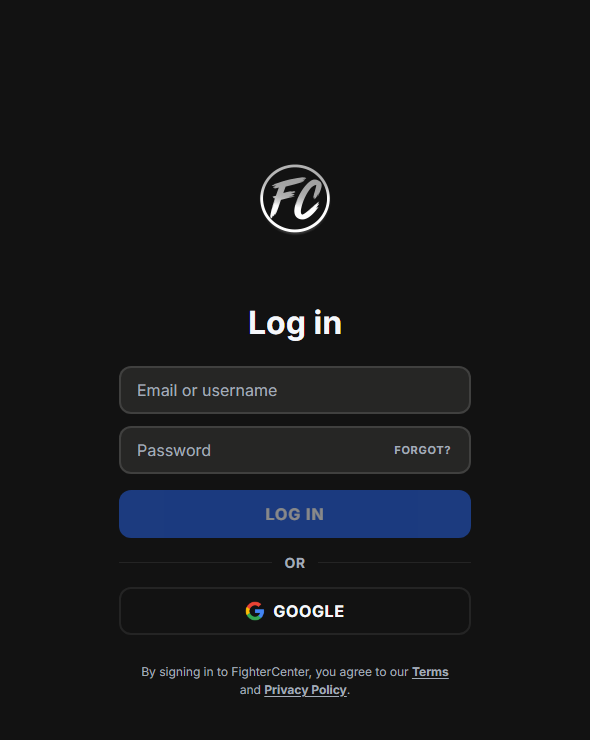
Sign in when you want saved work, profile details, sharing, rank tracking, or Pro status tied to your account.
You can still browse many public pages without setting up everything first.
Sign In
- Open the sign-in button or account area.
- Choose a sign-in method.
- Complete sign-in.
- Return to the feature you wanted to use.
When Sign-In Matters
- Saving notes or tech to your account.
- Editing your profile or Showcase.
- Posting, sharing, importing, or submitting material.
- Using connected rank features when available.
- Checking Pro status or billing options.
Manage Pro
Open Pricing or Upgrade to view the current plans and your account status.
Paid checkout is paused right now. Billing management only appears for accounts that already have billing set up.
- Open the
PricingorUpgradepage. - Review the current plan details.
- Sign in if asked.
- Use billing management if it is shown for your account.
FAQ
I am signed in but still see sign-in prompts
Refresh the page and check that Profile shows your account.
Rank tracking did not start
Open Rank History and follow the setup shown there.
Pro does not look active
Open Pricing or Upgrade and check the displayed account status.
My saved material is missing on another device
Make sure you are signed into the same account on both devices.